Repository navigation
Engineering Tools
Draw statics and circuit problems as parts that snap together, and see the answers worked out beside the drawing. These tools are new in Beta, so check the answers against your own work while you learn them.
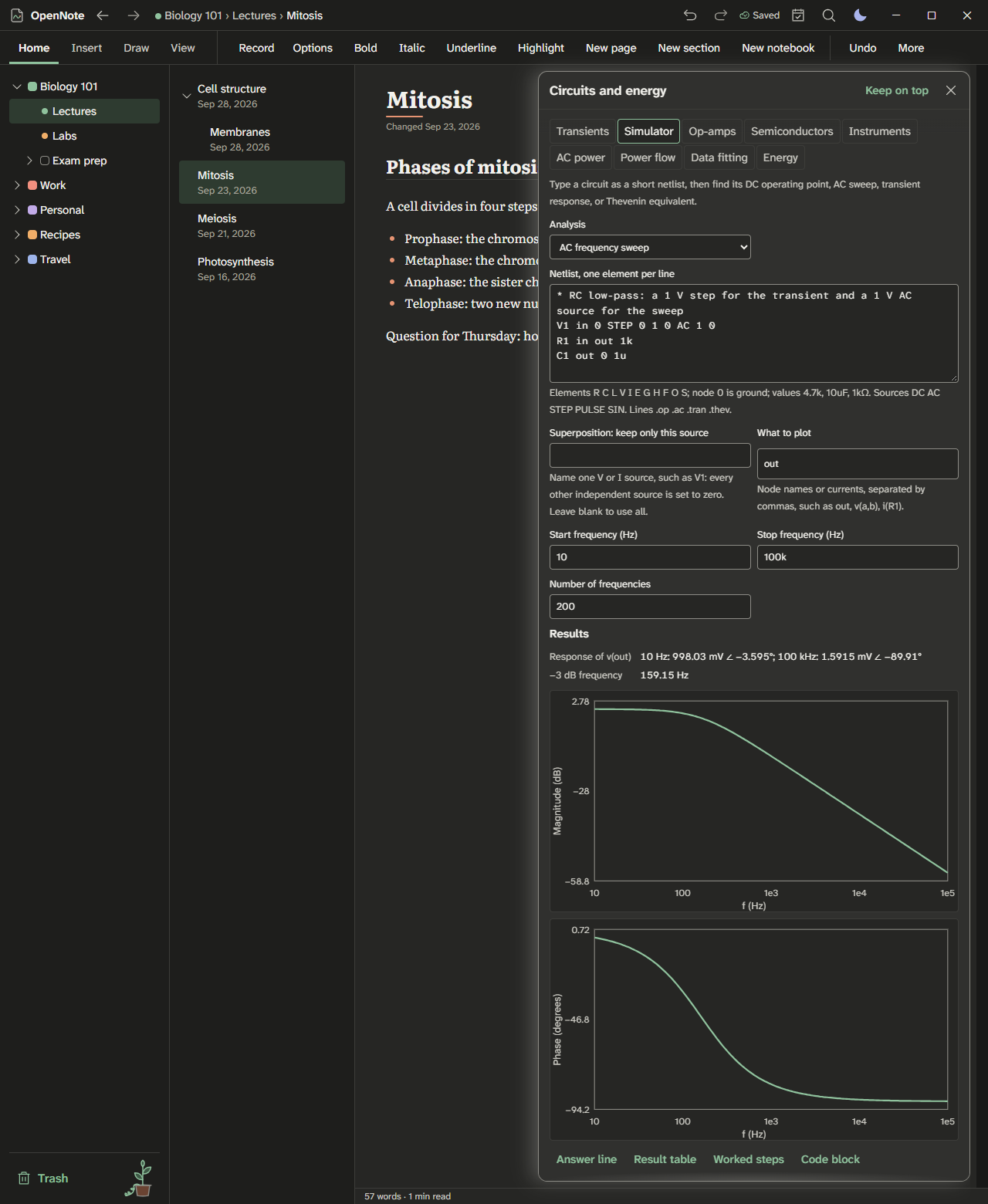
Light theme: kit-circuits-light.png
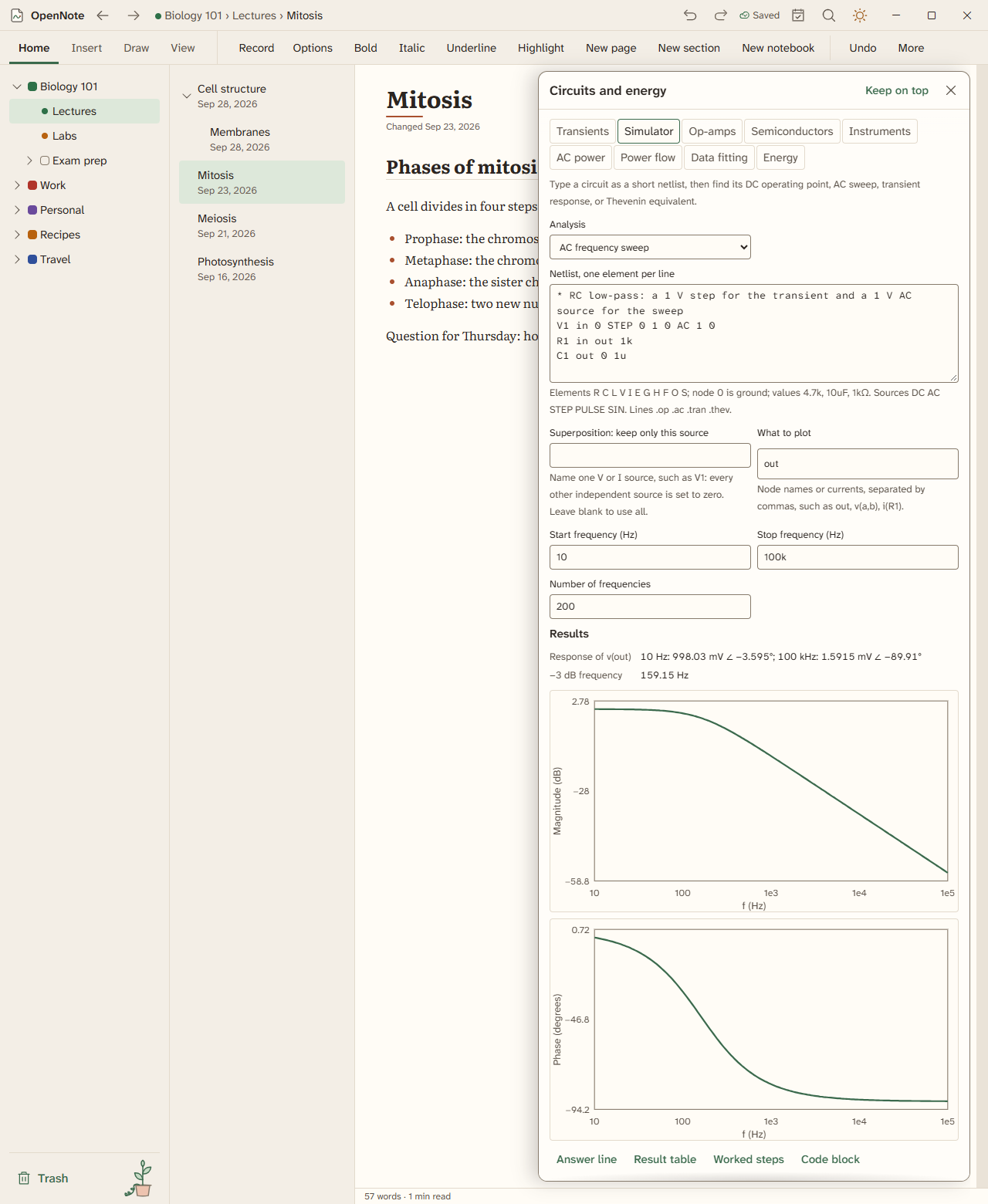
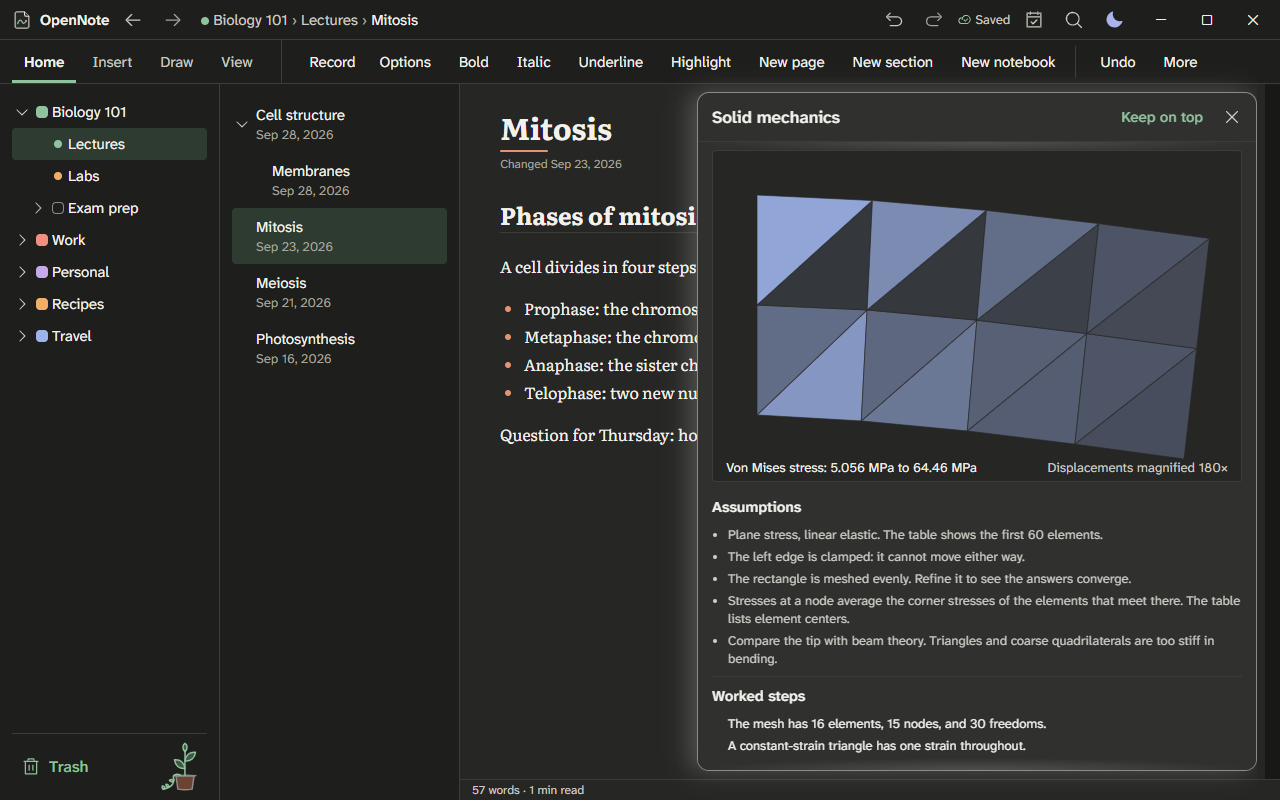
Light theme: kit-solids-fem-light.png
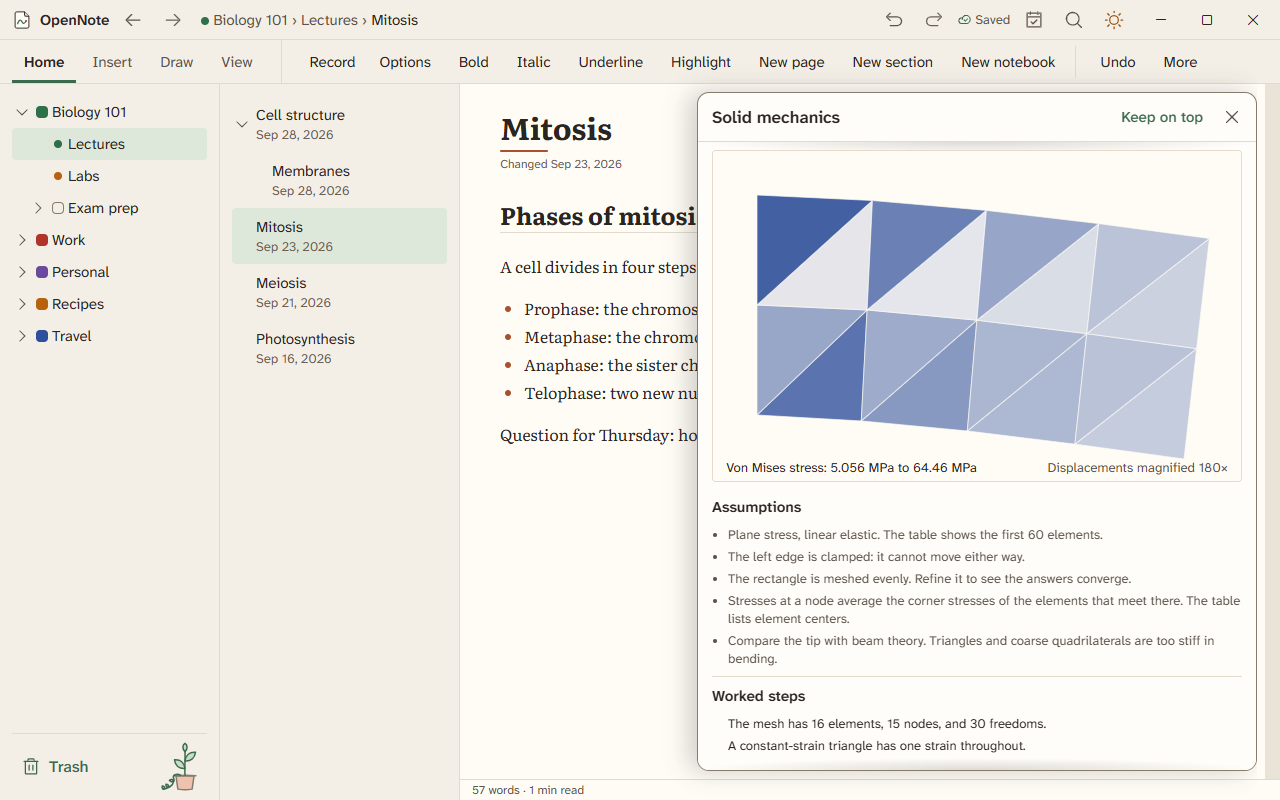
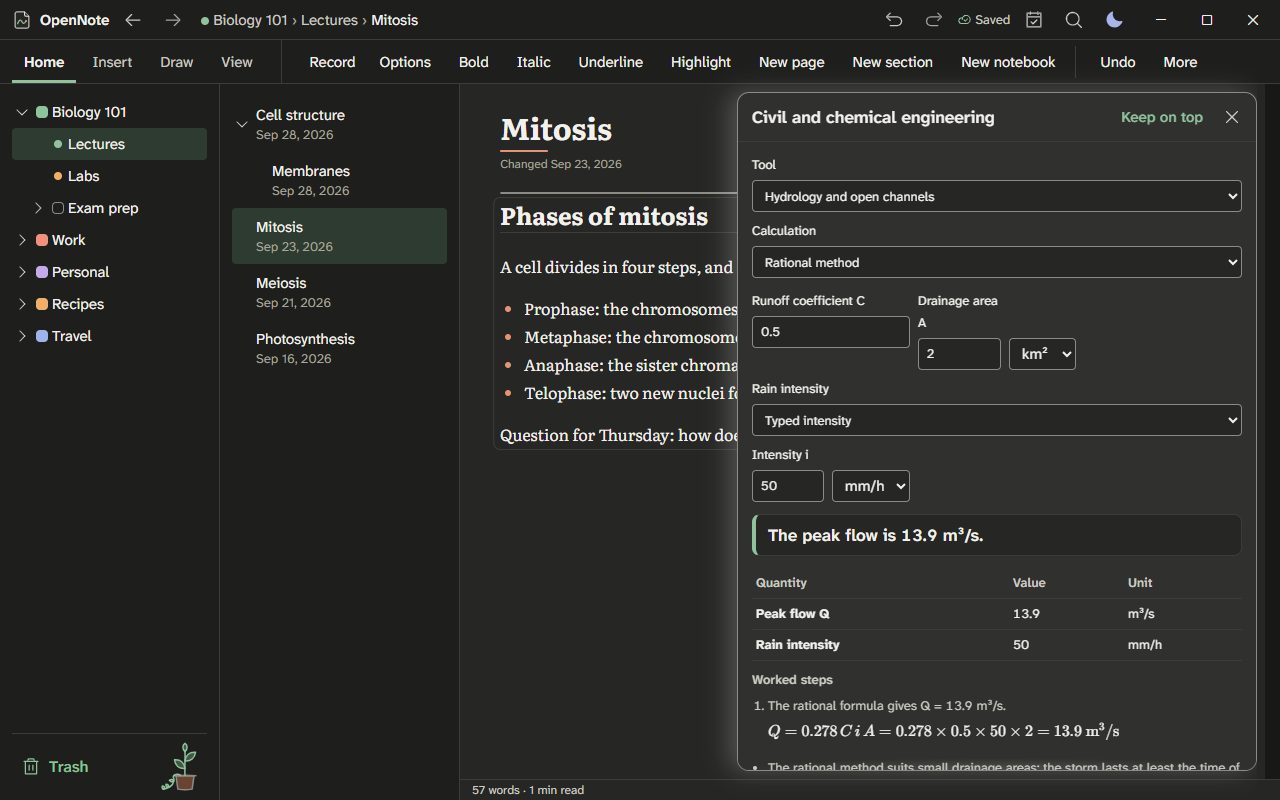
Light theme: kit-civil-light.png
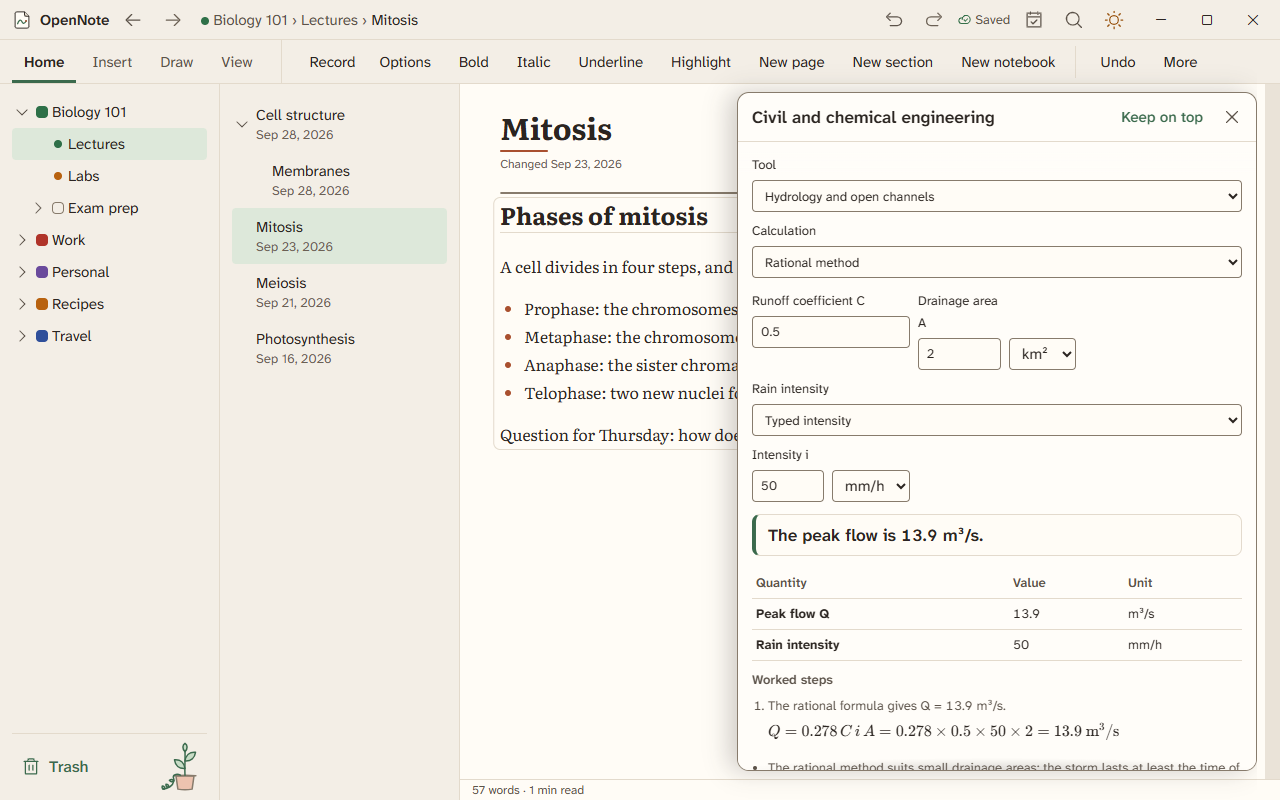
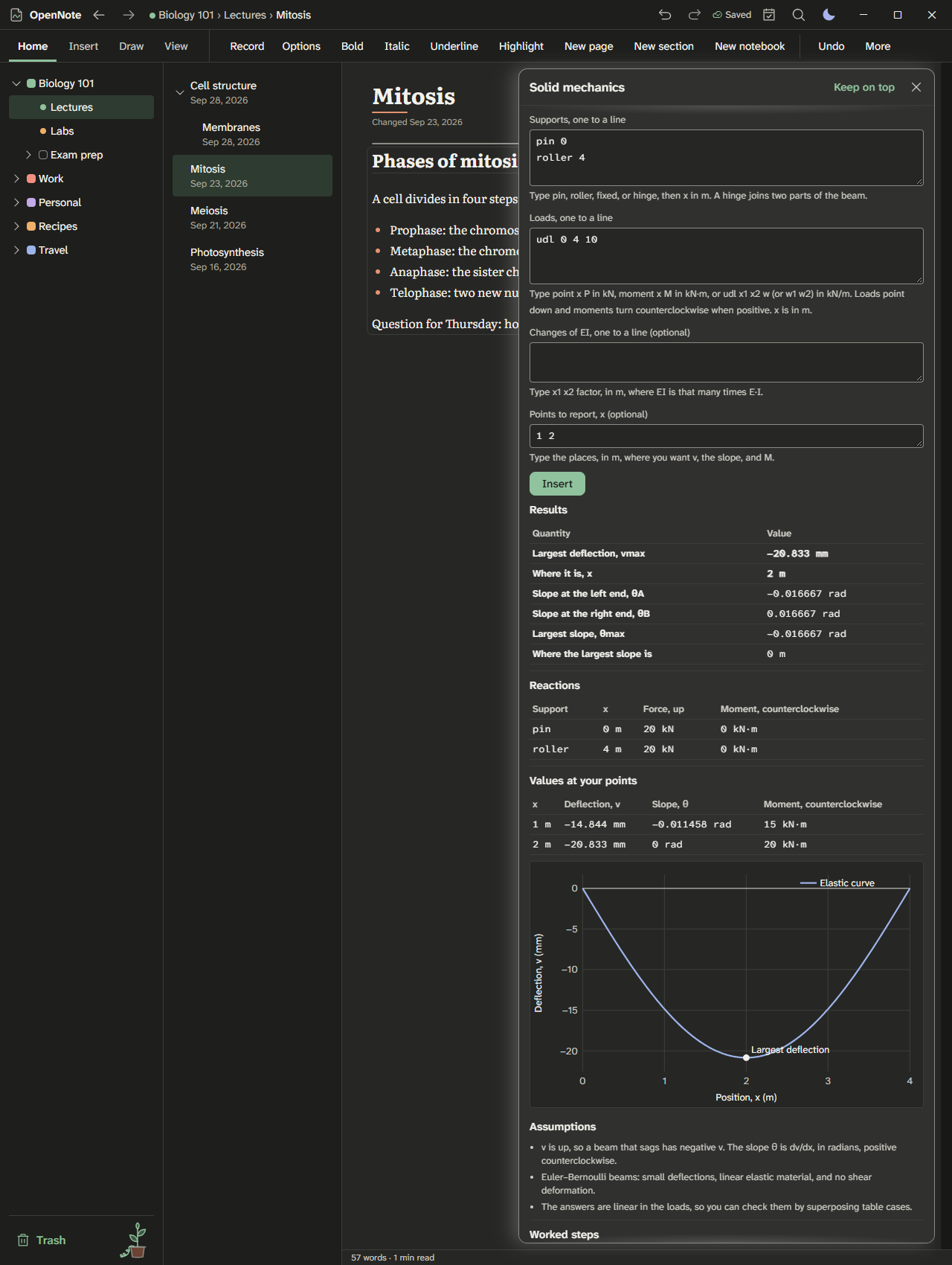
Light theme: engineering-beam-light.png
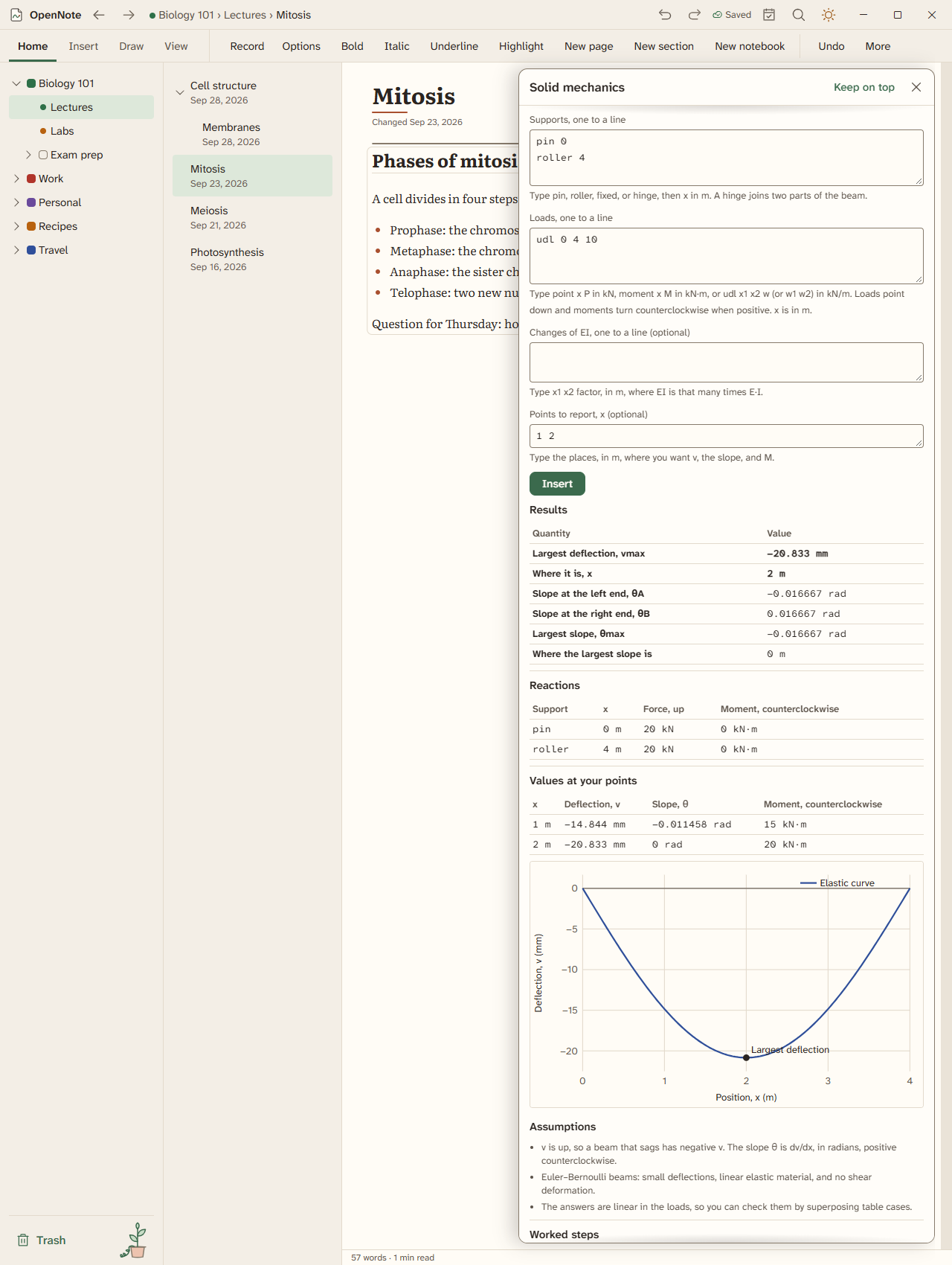
- On the Insert tab, choose Insert free-body diagram, or type
/freeon a new line. The diagram starts as a beam on a pin and a roller with one force, already solved. - Add a body, a force, a moment, a pin, a roller, or a fixed support from the diagram's toolbar. Drag a part to move it. It snaps to the grid, and to the corners, edge midpoints, and center of a body and to the other parts, so a force lands exactly on the point it acts at. Drag the head of a force to turn it in 15° steps.
- Moving a body moves everything attached to it.
- Without a mouse, press Tab to reach a part, the arrow keys to move it (hold Shift for small steps), R and Shift+R to turn it, and Delete to remove it. The fields under the drawing change the selected part's label, size, magnitude, angle, and position.
- Beside the drawing, ΣFx, ΣFy, and ΣM about the point O update as you work, with the resultant of the applied loads. Drag O, or choose Sum moments about the selected part, to take moments somewhere else.
- When the supports give exactly three unknowns, OpenNote solves the reactions that hold the body in equilibrium and draws them as dashed arrows. With more unknowns it says the body is statically indeterminate; with fewer, or with supports that all push the same way, it says the body can move.
- A positive moment turns counterclockwise. A roller's angle is the direction it pushes on the body: 90° is straight up.
- The Draw tab's Shapes menu has a Mechanics group: pin, roller, and fixed supports, force and moment arrows, a distributed load, and a spring, drawn as ordinary ink you can move and resize.
- On the Insert tab, choose Insert beam solver, or type
/beamon a new line. The beam starts on a pin and a roller with a point load and a uniform load. - Add pin, roller, and fixed supports, point loads, distributed loads, and moments from the toolbar. Drag them along the beam, or use the arrow keys. They snap to even steps of the length.
- A positive load points down. A positive moment turns counterclockwise. A distributed load can change linearly from its start to its end, which gives a triangular or trapezoidal load.
- Beside the beam are the reactions, the largest shear and bending moment and where they are, and the places where the shear is zero. Under it are the shear and bending moment diagrams, drawn with sagging moment above the line.
- A beam with more supports than statics needs, such as a propped cantilever or a continuous beam, is solved too, with the same EI along its length. To change that, add an EI segment and set how many times stiffer or softer that stretch is. A beam its supports cannot hold says so.
- Hinge adds an internal hinge, as in a Gerber beam: the two sides turn freely there, so the bending moment at the hinge is zero.
- On the Insert tab, choose Insert truss solver, or type
/truss. The truss starts as a small Warren truss with one load. - With Add and move joints on, click an empty grid point to add a joint, and drag a joint to move it. With Draw members on, drag from one joint to another to join them. You can also select a joint and pick the other end under Add member to.
- Give a joint a pin or a roller, and a load, in the fields under the drawing. A roller's angle is the direction it pushes.
- Member forces show on the members and in the table beside them, with T for tension and C for compression. Blue members are in tension and red ones in compression. Zero-force members say so.
- OpenNote counts members, reactions, and joints. It says when the truss can move, and solves a truss with redundant members assuming the same AE for every member.
- On the Insert tab, choose Insert circuit, or type
/circuit. The circuit starts as a 12 V battery across two resistors in series, already solved. - Add resistors, voltage sources, current sources, grounds, and wires from the toolbar. With Place and move parts on, drag a part to move it on the grid. With Draw wires on, drag from one grid point to another to add a wire.
- Terminals on the same grid point are joined. A wire joins its ends and any terminal or wire end along it, so a ground can sit anywhere on the bottom wire. Two wires that only cross are not joined; to join them, end one wire at the crossing.
- Select a part to change its label and value. Type values with a prefix, such as 4.7k, 220 Ω, or 2 mA. Press R to turn a part, or choose Turn. A voltage source's + end is its long plate; a current source pushes current the way its arrow points.
- Nodal analysis runs as you work. Each node's voltage shows in the drawing and in the table beside it, with every part's current, which way it flows, and the power it delivers or takes.
- Without a ground, the circuit asks for one. A part of the circuit with no path to ground is called floating, and the circuit names its parts. A circuit with two sources fighting in parallel says it cannot be solved.
- The Draw tab's Shapes menu has a Circuit symbols group: resistor, battery, voltage and current sources, ground, capacitor, inductor, and switch, drawn as ink you can move, turn, and resize.
- In a smart table, open the Data menu, then Number format, then Unit, and type a unit such as kN, mm, MPa, N·m, m/s^2, or kΩ. The command palette has Set column unit too.
- The column becomes a number column in that unit. A cell typed in another unit of the same kind is converted: 250 N in a kN column is 0.25 kN. A cell with a unit of another kind, such as 3 m in a kN column, is marked as not fitting the column.
- Totals and formulas use the converted values, so a sum adds like with like.
- Under Number format, choose Engineering to write values with powers of ten in steps of three, such as 12.5×10³ kN, or SI prefixes to write them as 12.5 MN. Plain writes ordinary numbers.
- OpenNote knows SI units with any prefix, US customary units such as lbf, kip, psi, ksi, ft, and in, and products, quotients, and powers of them. C is the coulomb and F the farad, so write temperatures as °C and °F.
Nine tools share one window. Press Ctrl+K and type the tool's name, such as "Open hydrology and open channels", then pick a calculation from the list at the top. These tools are new in Beta, so check the answers against your own work while you learn them.
Light theme: kit-civil-light.png
- Type the inputs. A field with a unit has a unit list beside it, in SI and US units, and the answer follows the unit you pick.
- Tables take one row per line, with numbers split by spaces or commas.
- Under the answer are the results, the worked steps with their equations, any notes on assumptions, and a plot when the calculation has one.
- Insert answer puts the answer on the page. More ways to insert adds the worked steps, the result table, the equation in LaTeX, the data table, or a picture of the plot.
- When a method or data set comes from a public source, its name is shown under the result.
- Indeterminate structures and influence lines. Solve a beam over many supports, with the table of each step. Find how a load moving along a beam or a truss changes one force. Get rough forces in a building frame under wind. Make a spectrum from an earthquake record.
- Soil properties, consolidation, and strength. Work out how much water and air a soil holds. Sort it into its class. Find how fast water flows through it, how far it settles, and how strong it is.
- Earth pressure, foundations, and slopes. Find the push of soil on a wall and check the wall. Find how much load a footing or a pile can carry. Check whether a slope will slide.
- Hydrology and open channels. Turn rain into runoff and a flood peak. Route a flood through a river or a pond. Find how often a flood comes. Size a channel, a weir, or a pipe loop.
- Groundwater and wells. Find how water moves through the ground, how a well draws it down, and how far a spill spreads.
- Water quality and treatment. Track the oxygen in a river below an outfall. Work out water hardness and how to soften it. Size the steps of a treatment plant.
- Traffic, highways, surveying, and site planning. Find how much traffic a road carries and how long queues grow. Time a signal. Lay out curves on a highway. Split trips among places and modes. Close a survey loop. Balance cut and fill. Check a lot against zoning limits.
- Material balances and separations. Balance the flows through mixers, splitters, and recycle loops. Add the heat of a reaction. Find boiling points of a mixture. Count the stages a column needs.
- Chemical and biological reactors. Size a tank or tube reactor for a rate you type. Compare reactors in a row. Find the steady states of a hot reactor. Read a tracer test. Grow cells, and size an aeration tank.