Skip to content
vaddempudignaneshPublic

About

SyntaxCLI — Hacker-styled, Linux-flavored CLI launcher for Android. Terminal home screen, in-house PDF/DOCX readers, browser with 16 parallel downloads, gallery, music player, file manager, and a fully customizable keyboard/IME. Built with a green-on-black Cyberpunk aesthetic.

Topics

Resources

Stars

0 stars

Watchers

0 watching

Forks

Repository files navigation

SyntaxCLI

AURA-CTRL-LSPosed


Hi there, I am Vaddempudi Gnanesh, creator of AURA-CTRL-LSPosed.


I am introducing my next project:


SyntaxCLI Icon


SyntaxCLI


Hacker-styled, Linux-flavored CLI launcher for Android.


Size Platform License


Download SyntaxCLI v2.0

Features

  • Launcher — full home-screen replacement with a Linux-style prompt
  • CLI Launcher — launch any app by typing its name
  • Gallery — image and video browser with albums, favorites, and a Bin
  • Music Player — full library, playlists, loop modes, notification controls
  • Browser — built-in WebView browser with 16 parallel downloads, ad blocker, cookies, dark mode
  • File Manager — full filesystem access, copy, move, zip, extract
  • DOCX Reader — in-house Word document renderer with images and zoom
  • PDF Reader — in-house PDF renderer with page cache and pinch zoom
  • Root Explorer — browse /system and protected paths with su
  • Multi-File Reader — open any text, markdown, XML, or config file
  • Calculator — with persistent scrollable history
  • Alarm — schedule and re-arm after reboot
  • Stopwatch — precise timing with laps
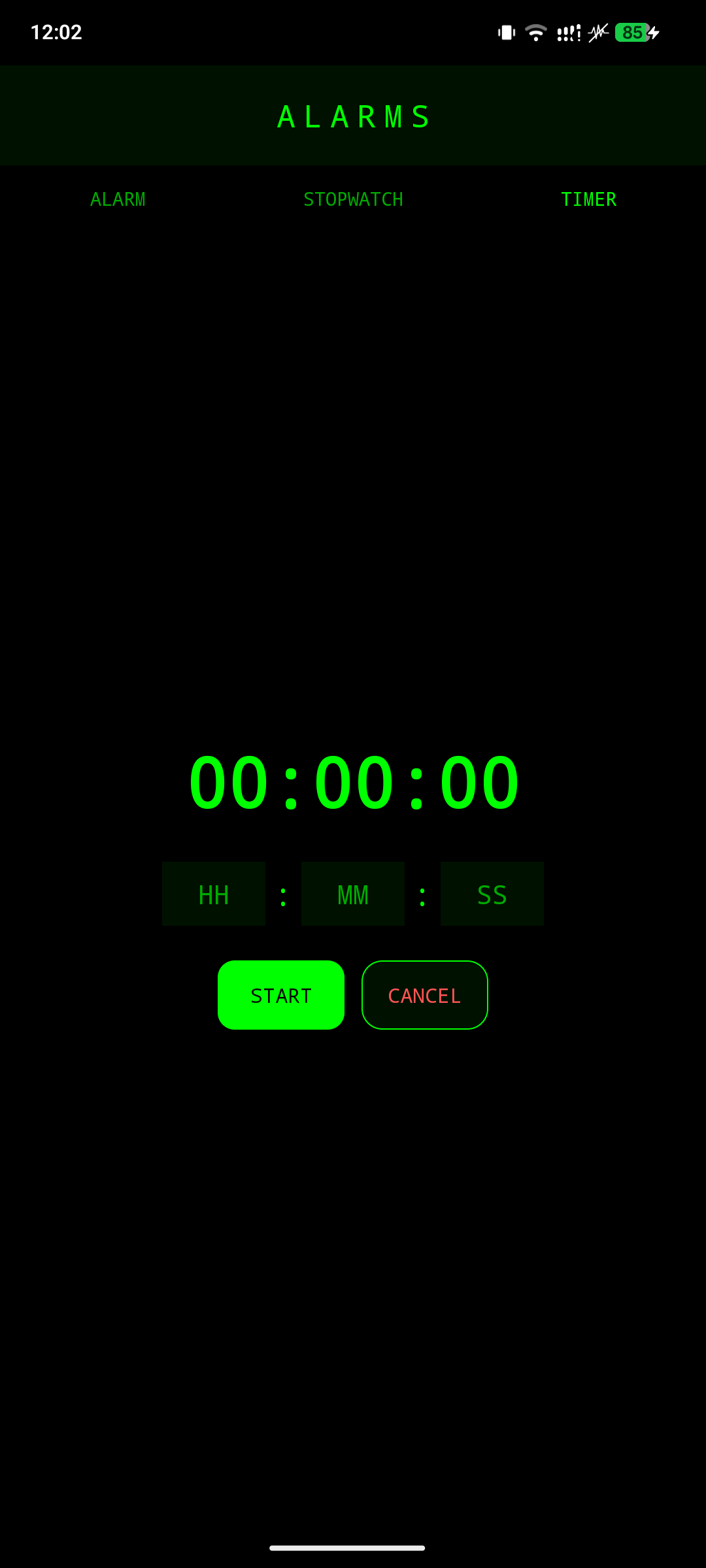
  • Timer — countdown with foreground service
  • Keyboard / IME — full custom keyboard with gesture triggers
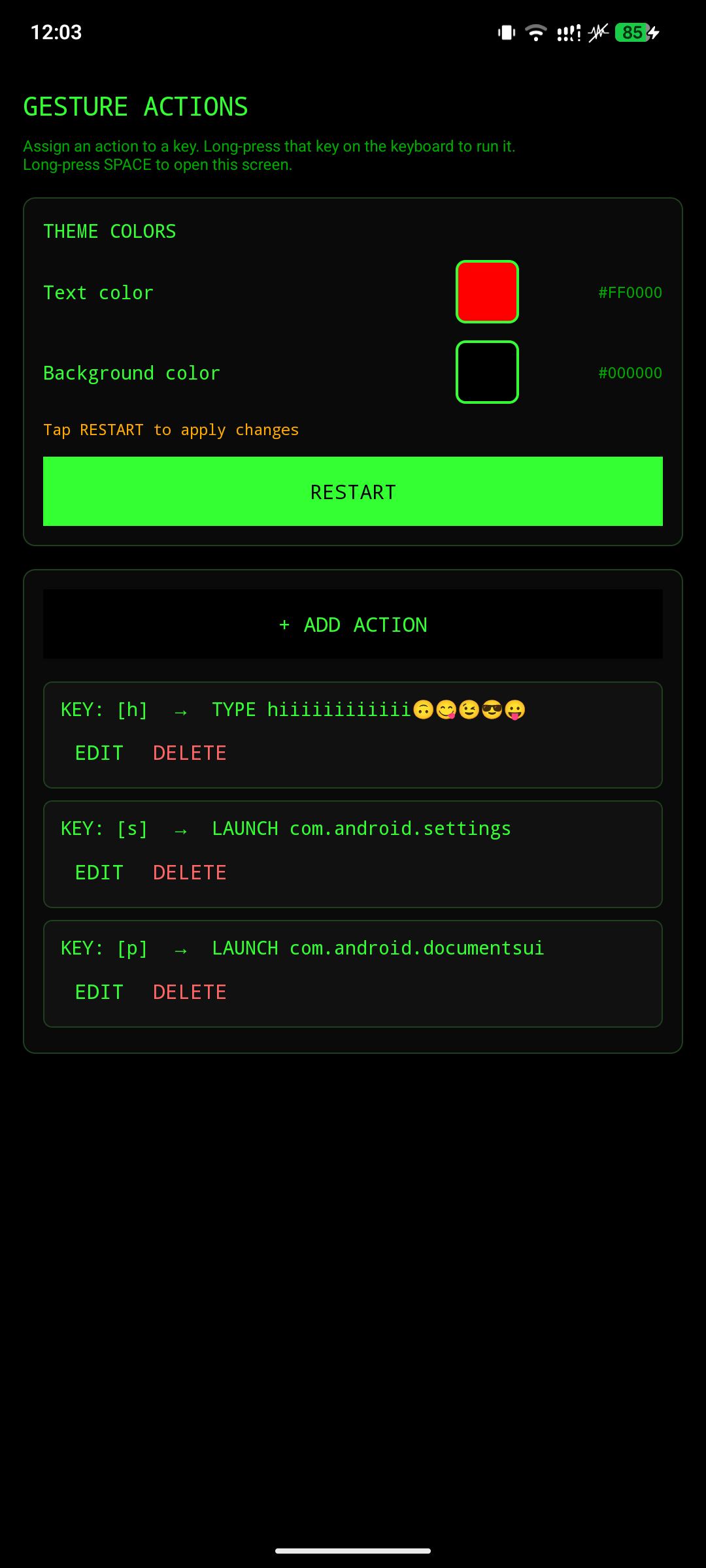
  • Gesture Triggers — launch apps or run actions from swipe patterns
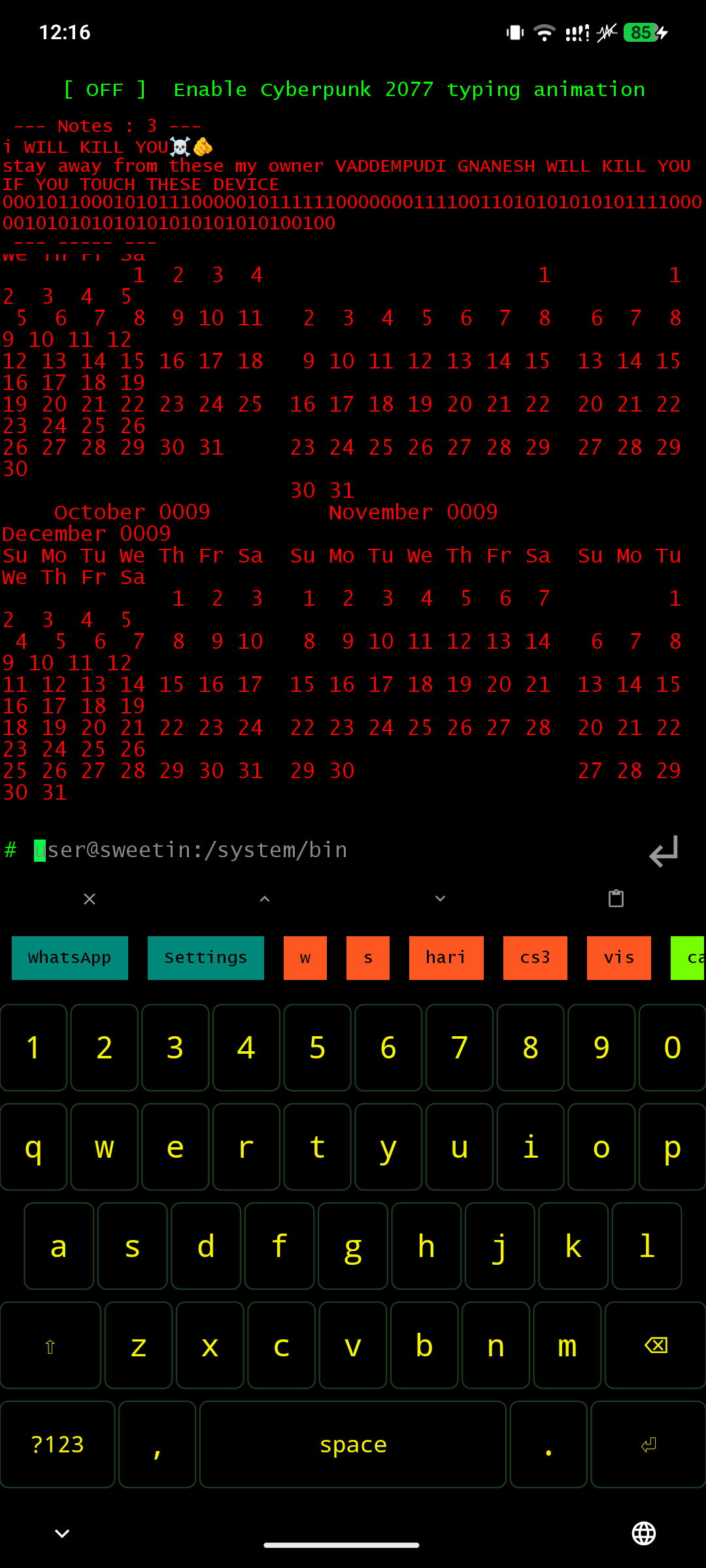
  • Calendar — CLI-styled calendar integrated into the launcher
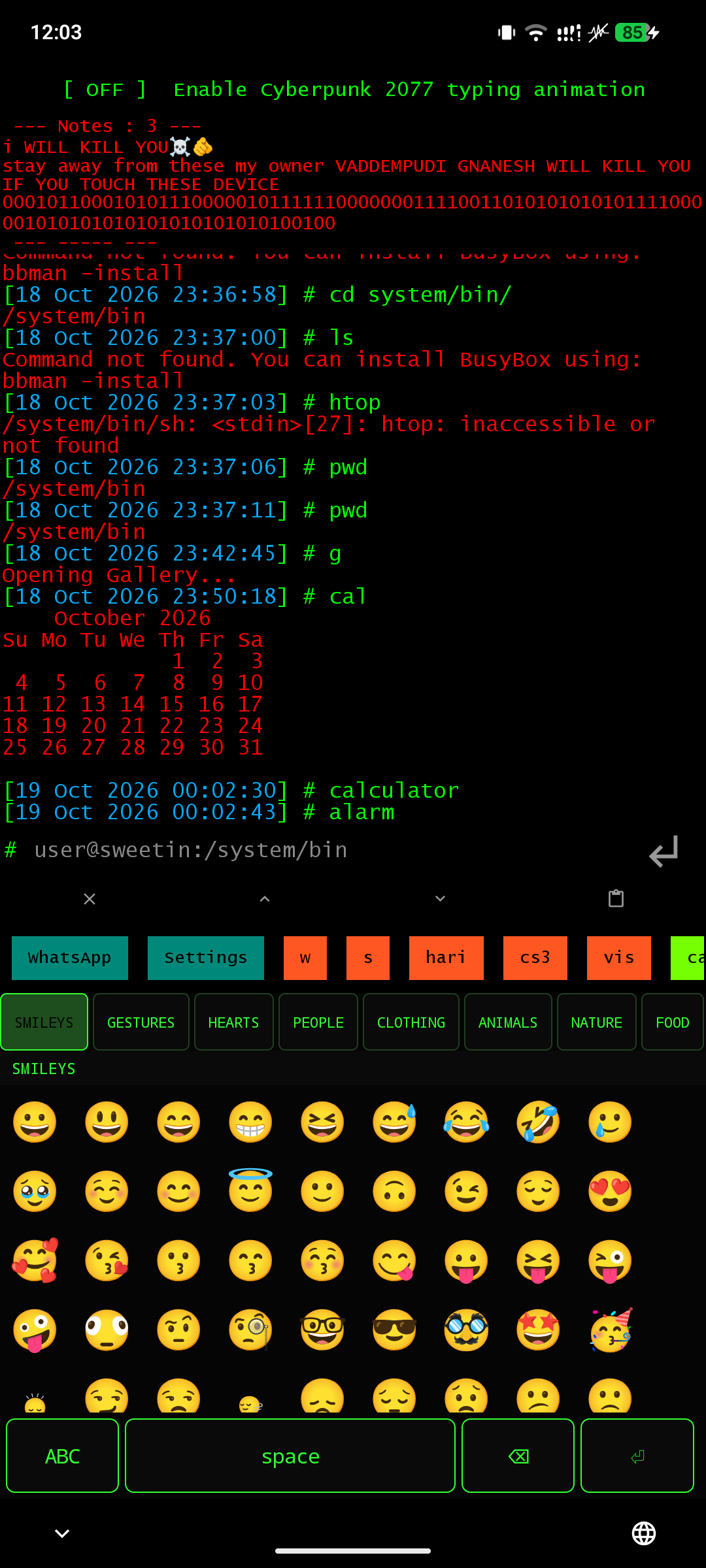
  • Emoji Keyboard — full emoji picker built into the IME

Showcase

Launcher

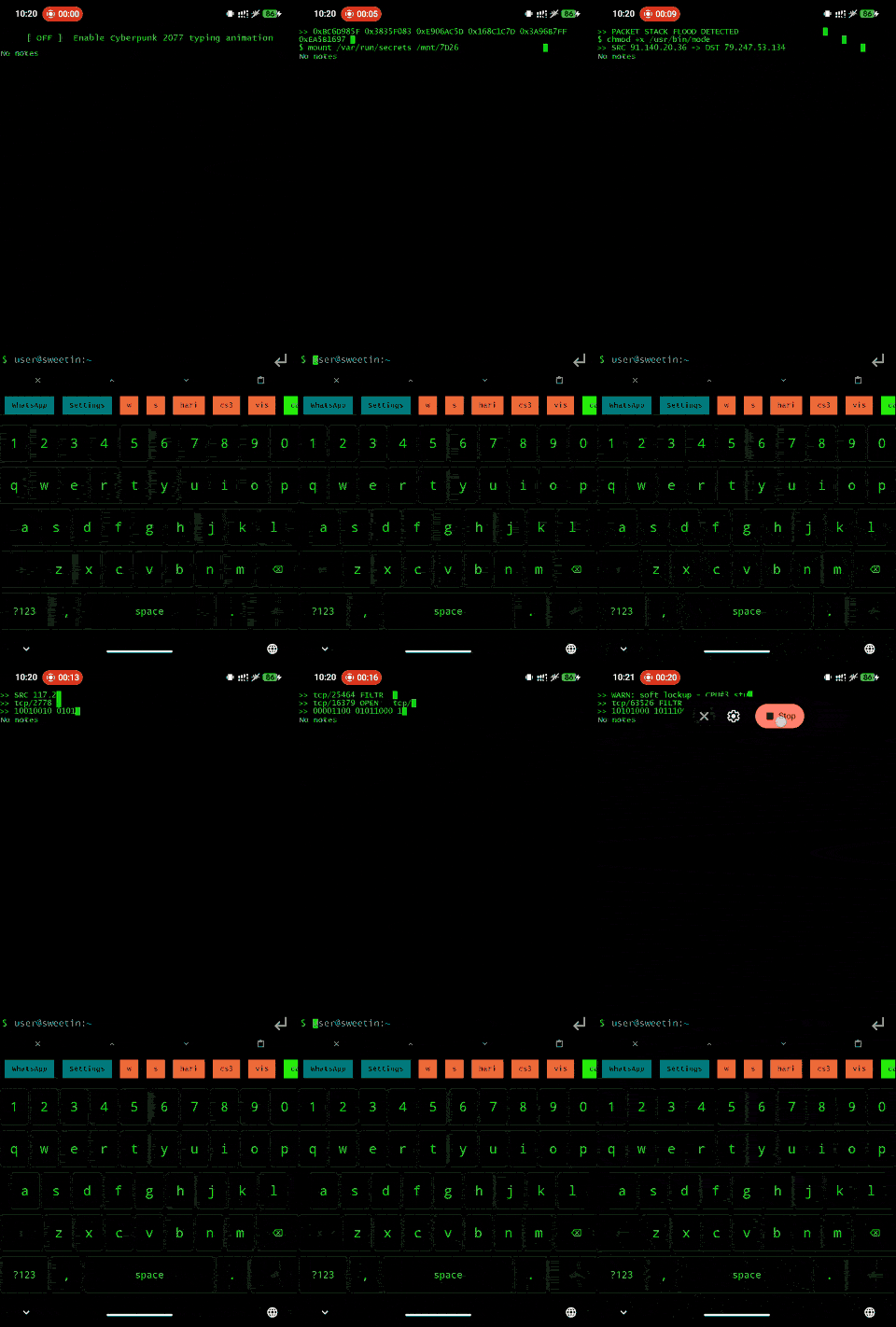
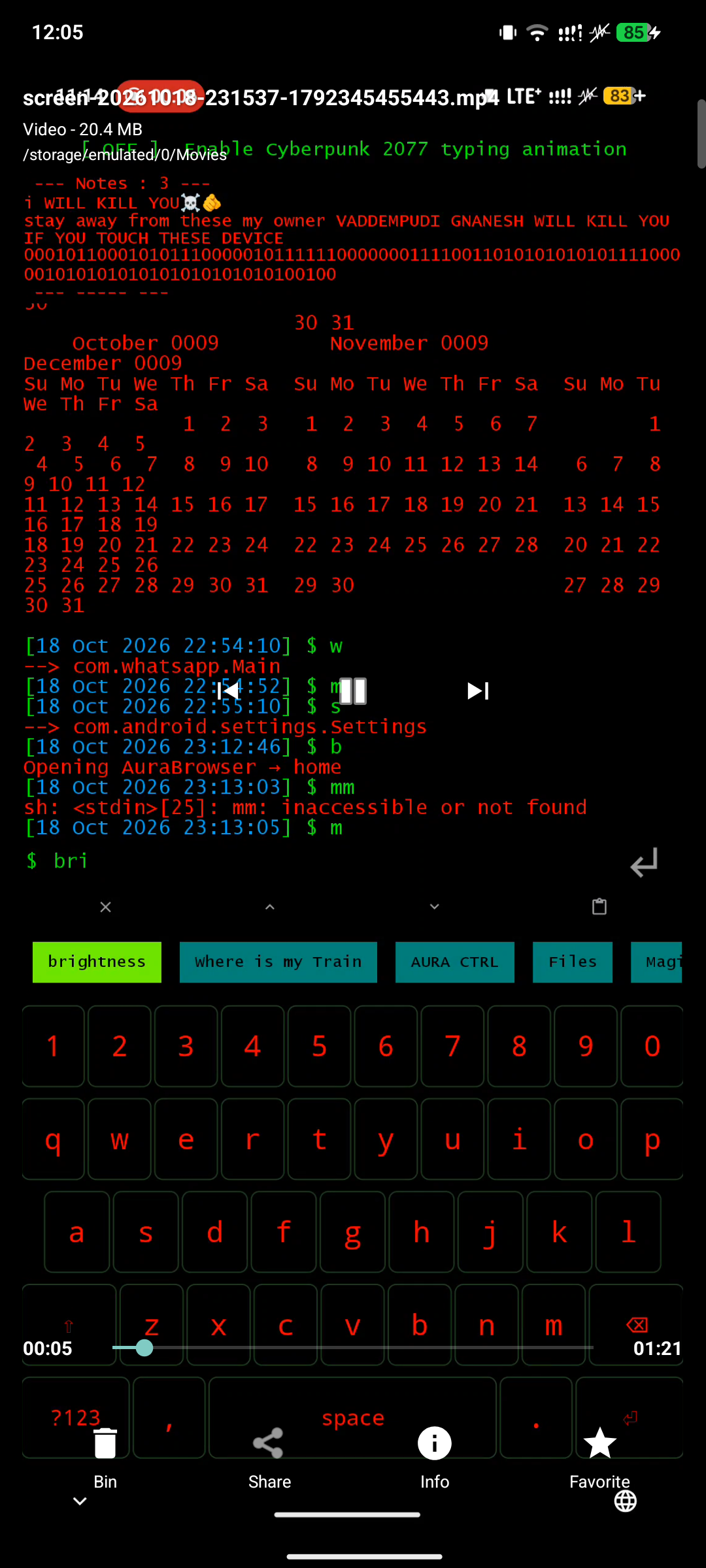
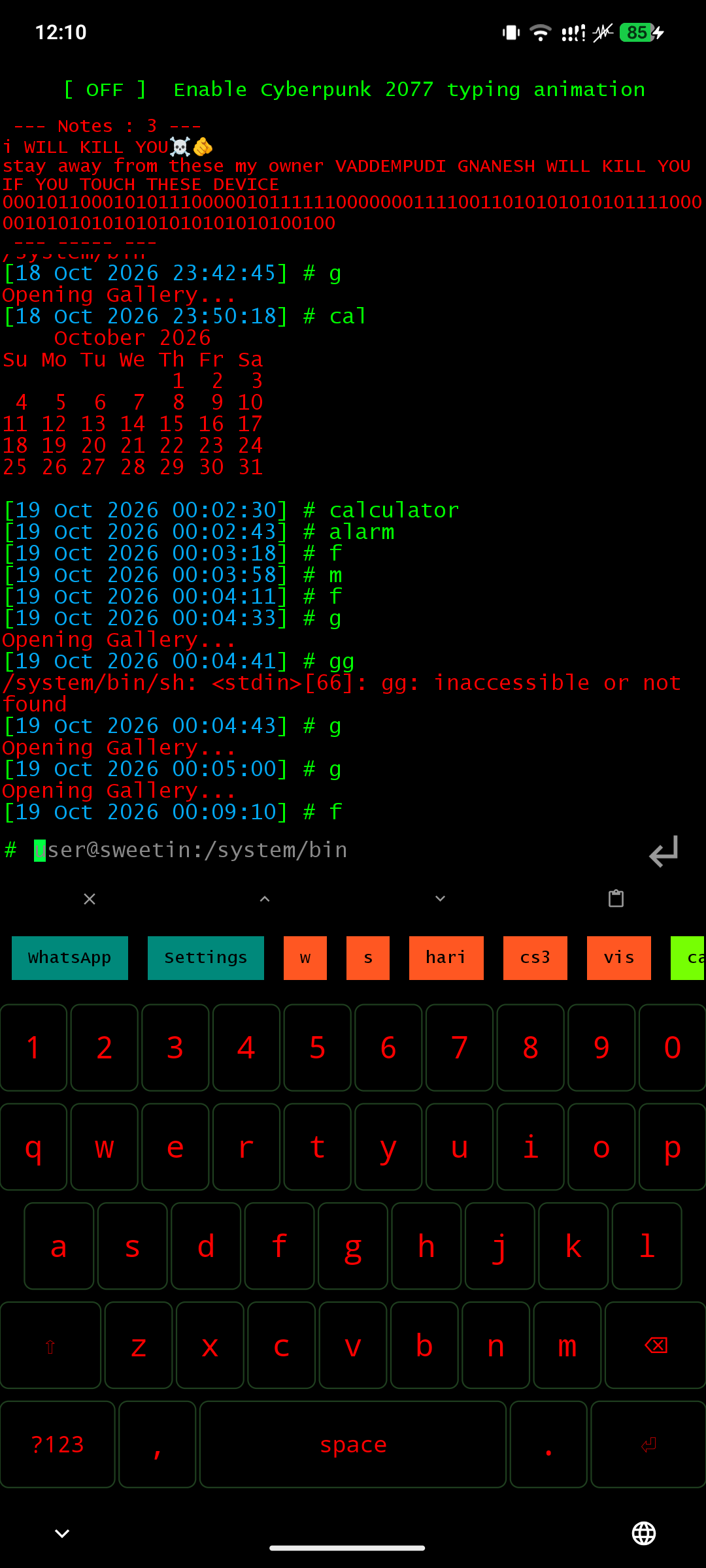
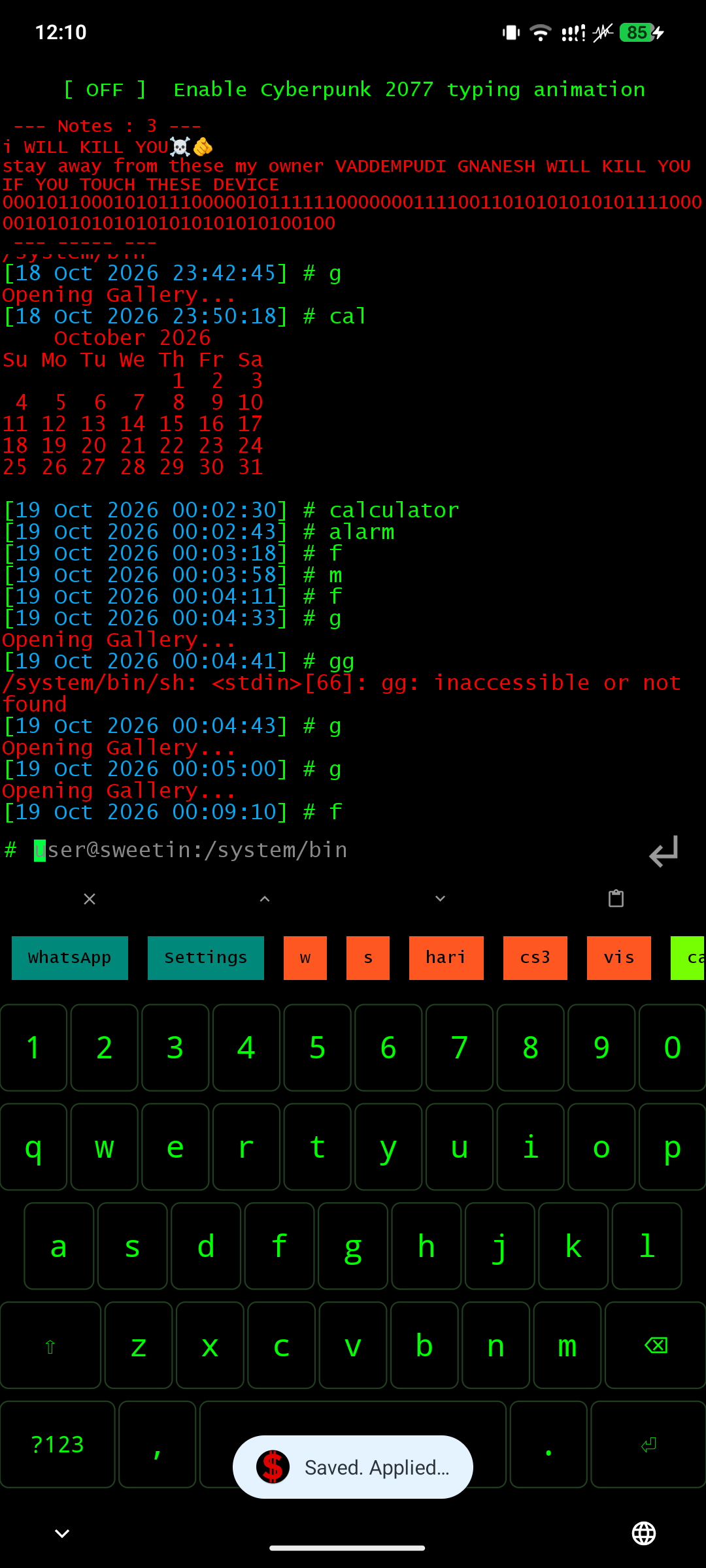
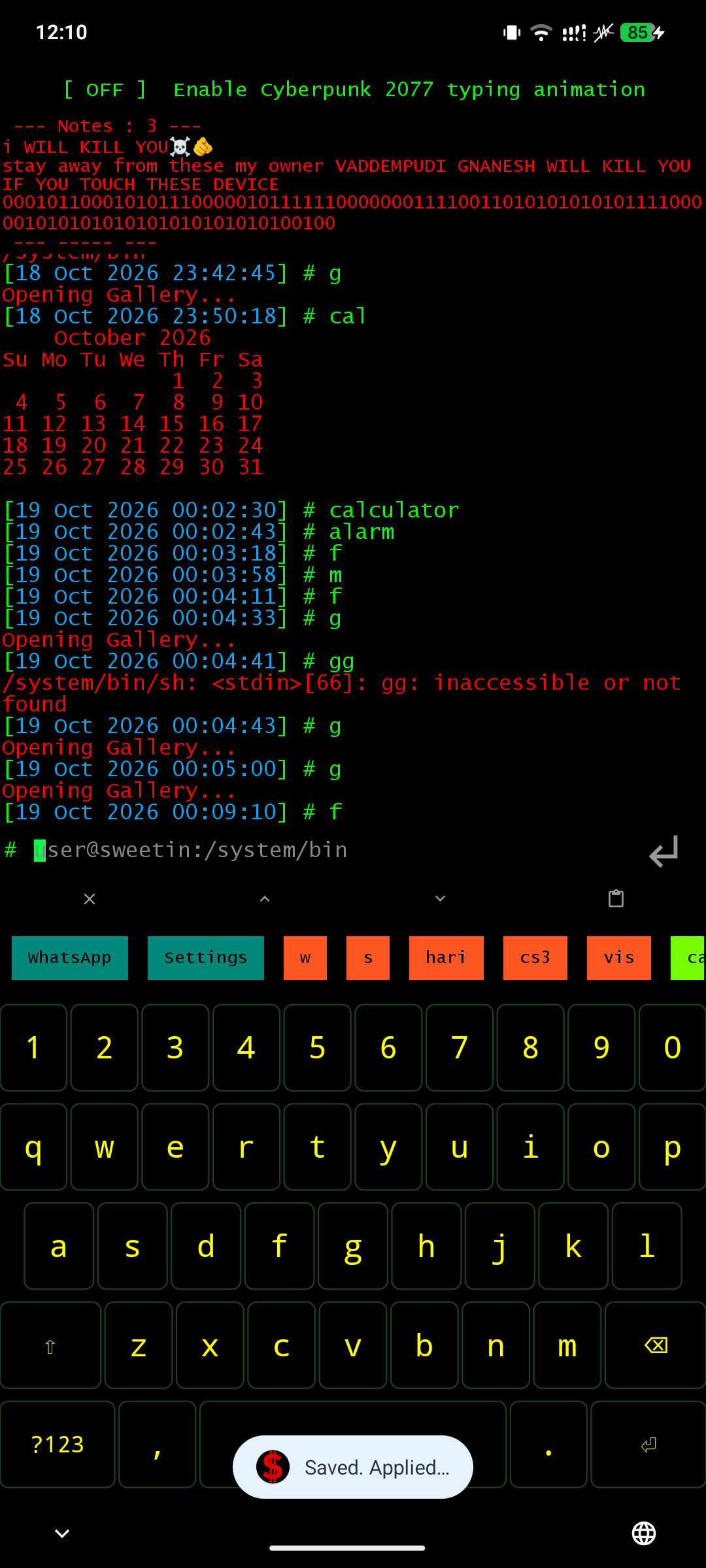
Launcher Command Prompt Cyberpunk Animation
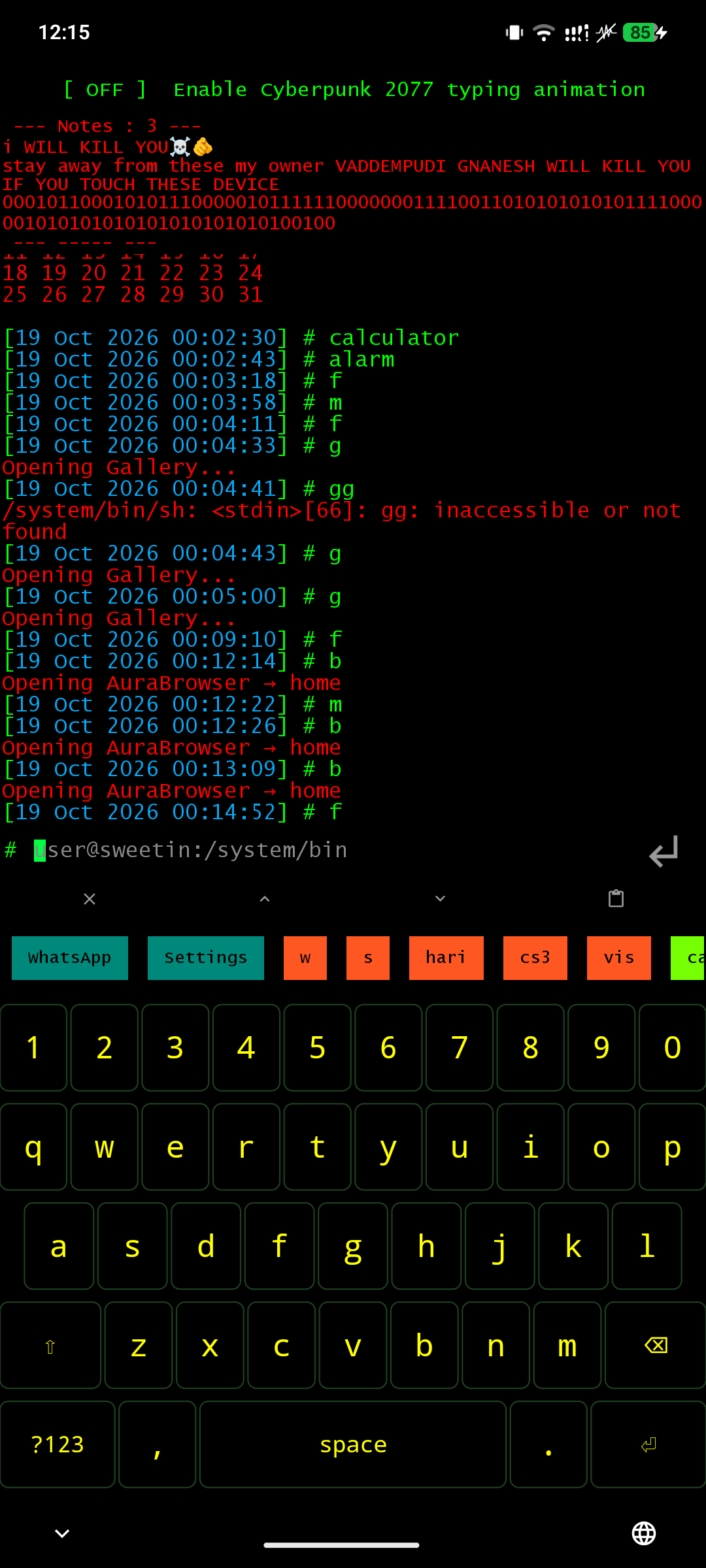
SyntaxCLI is a full Android launcher — it replaces your home screen with a Linux-style prompt. Type any app name to launch it directly. Cyberpunk-2077-inspired boot animation.

Browser

Browser Tab Management
WebView browser with dark mode, cookie-aware sessions, and a built-in ad blocker. Swipeable tab sheet with incognito isolation.
Supports up to 16 concurrent downloads at maximum speed, backed by the built-in ad blocker for clean, tracker-free browsing.

Downloads

Downloads Active Download Progress
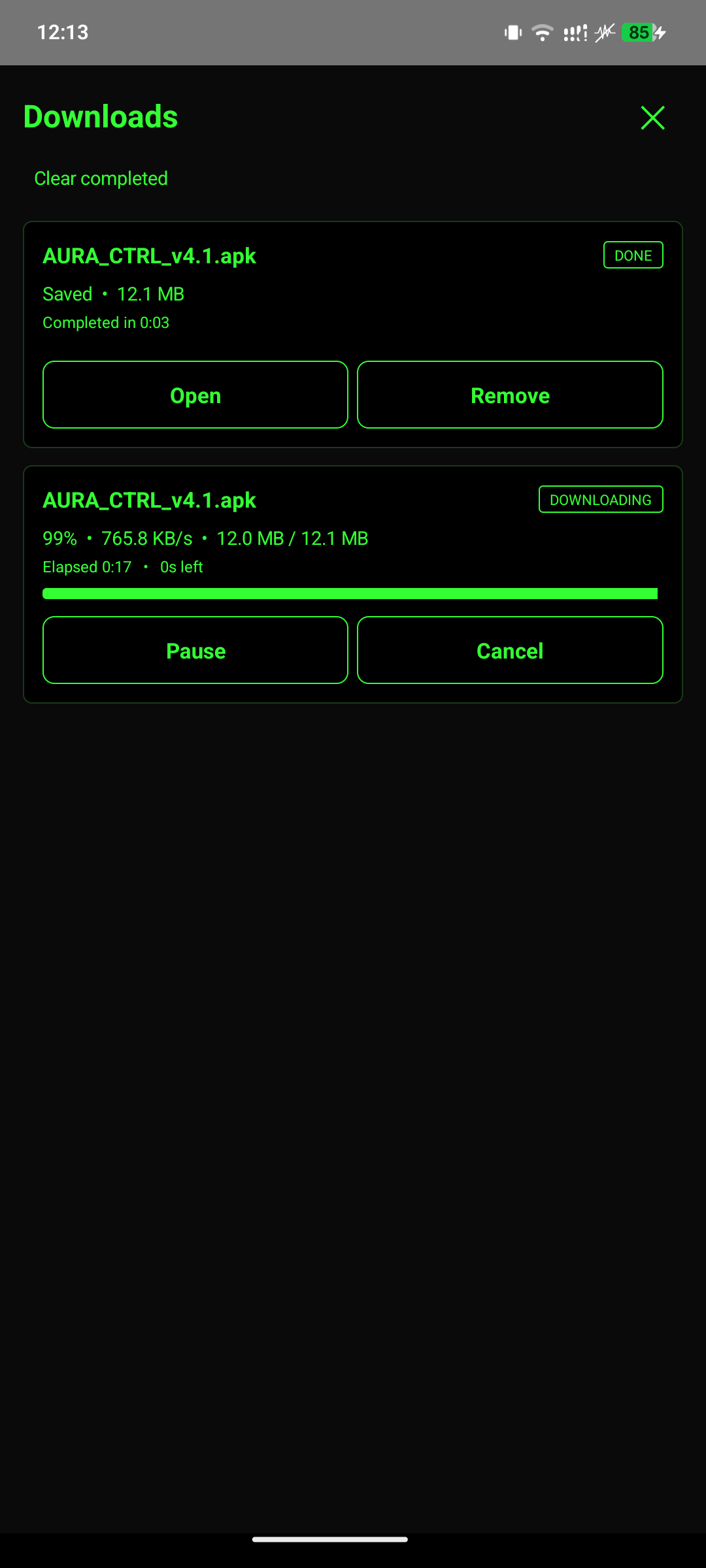
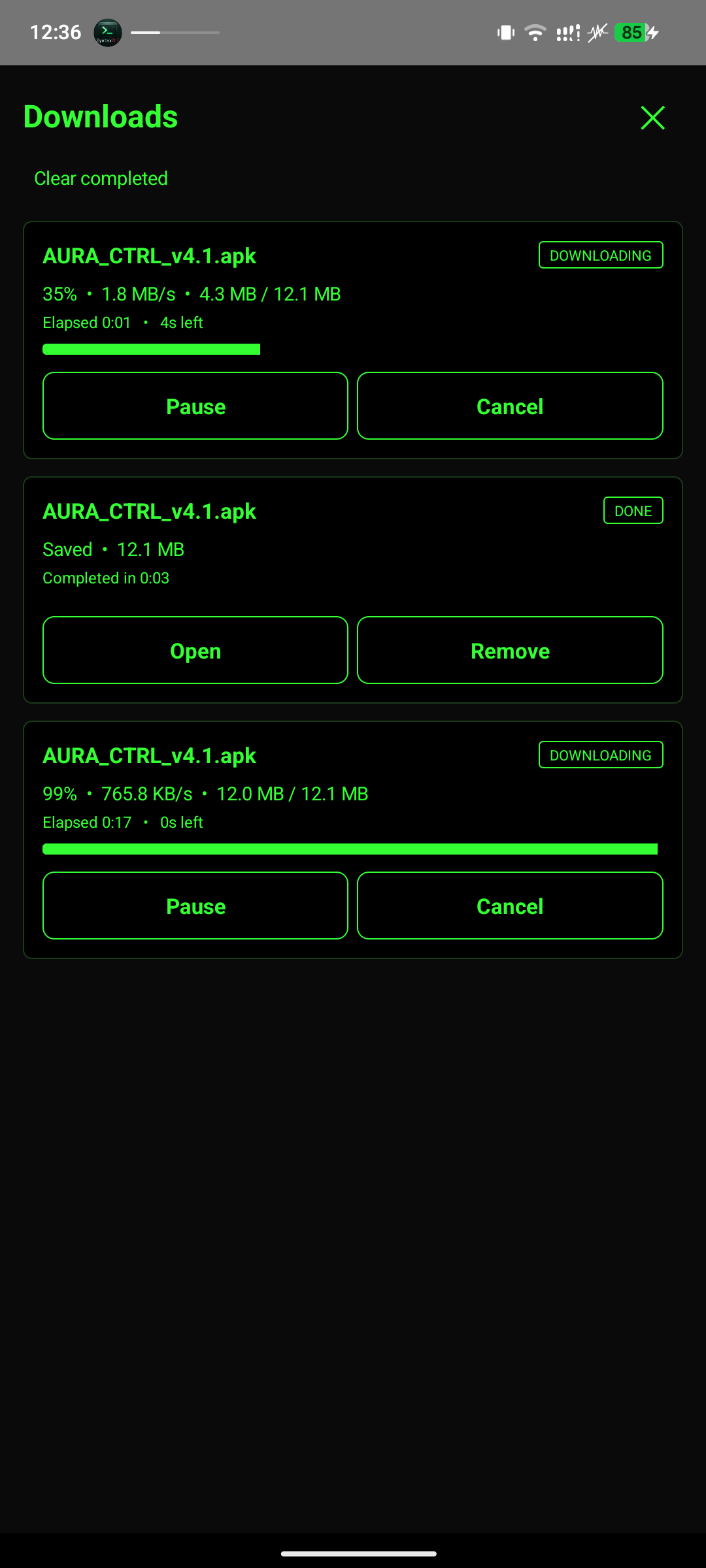
Live progress, pause, resume, and cancel — never a stale entry again. Real-time progress bar showing speed, ETA, and bytes transferred.

File Manager

File Manager Root Explorer
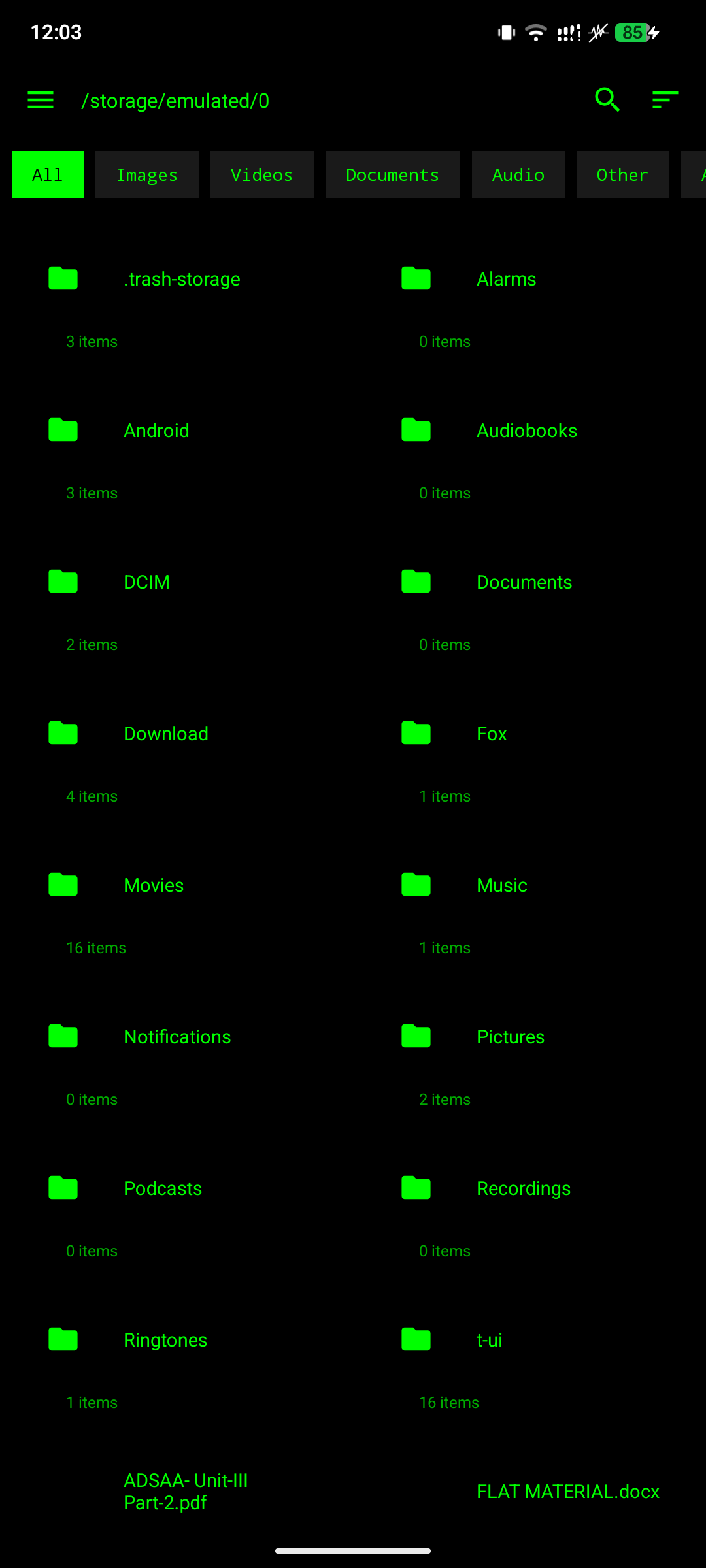
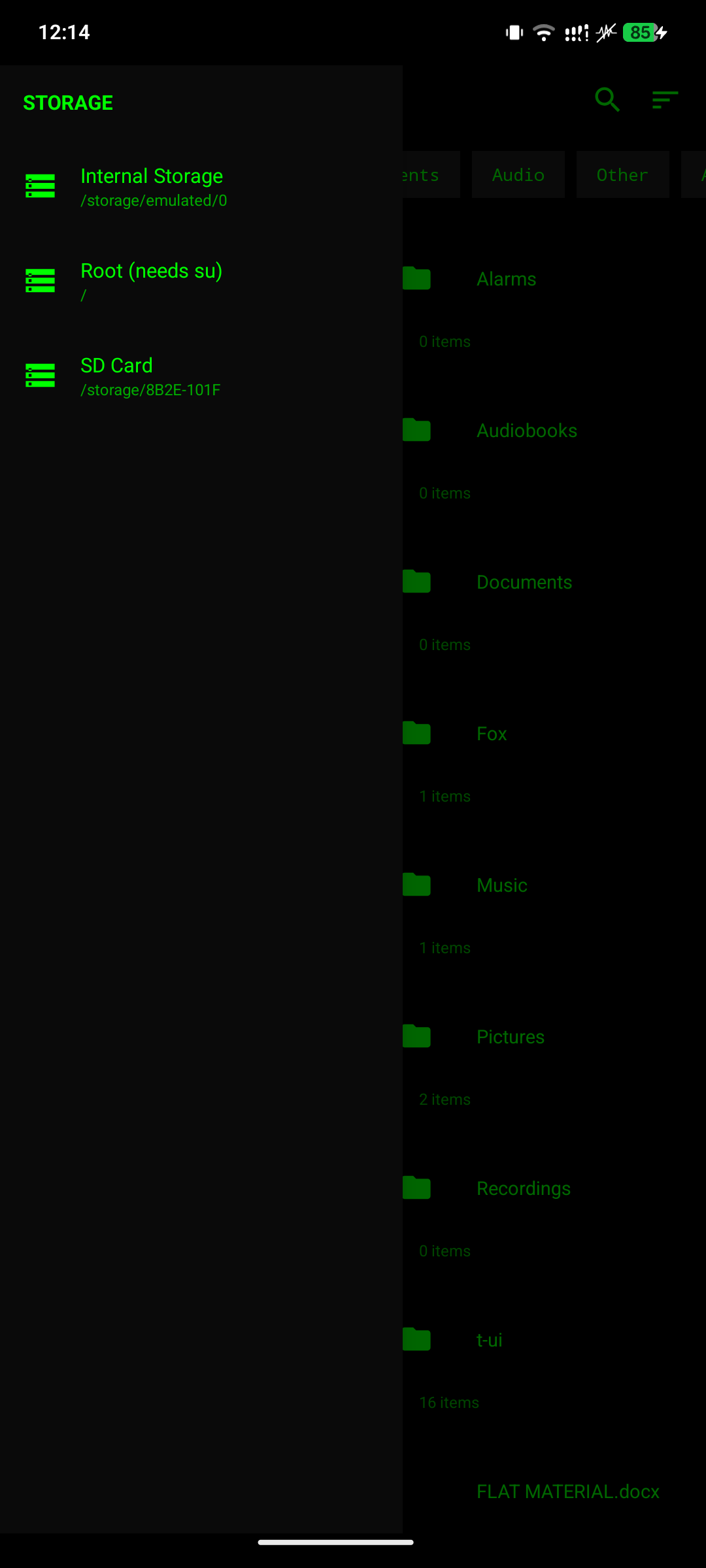
Two-pane filesystem browser with thumbnails, categories, and a built-in text editor. Browse `/system` and protected paths with `su`.

PDF & DOCX Readers

PDF Viewer DOCX Reader
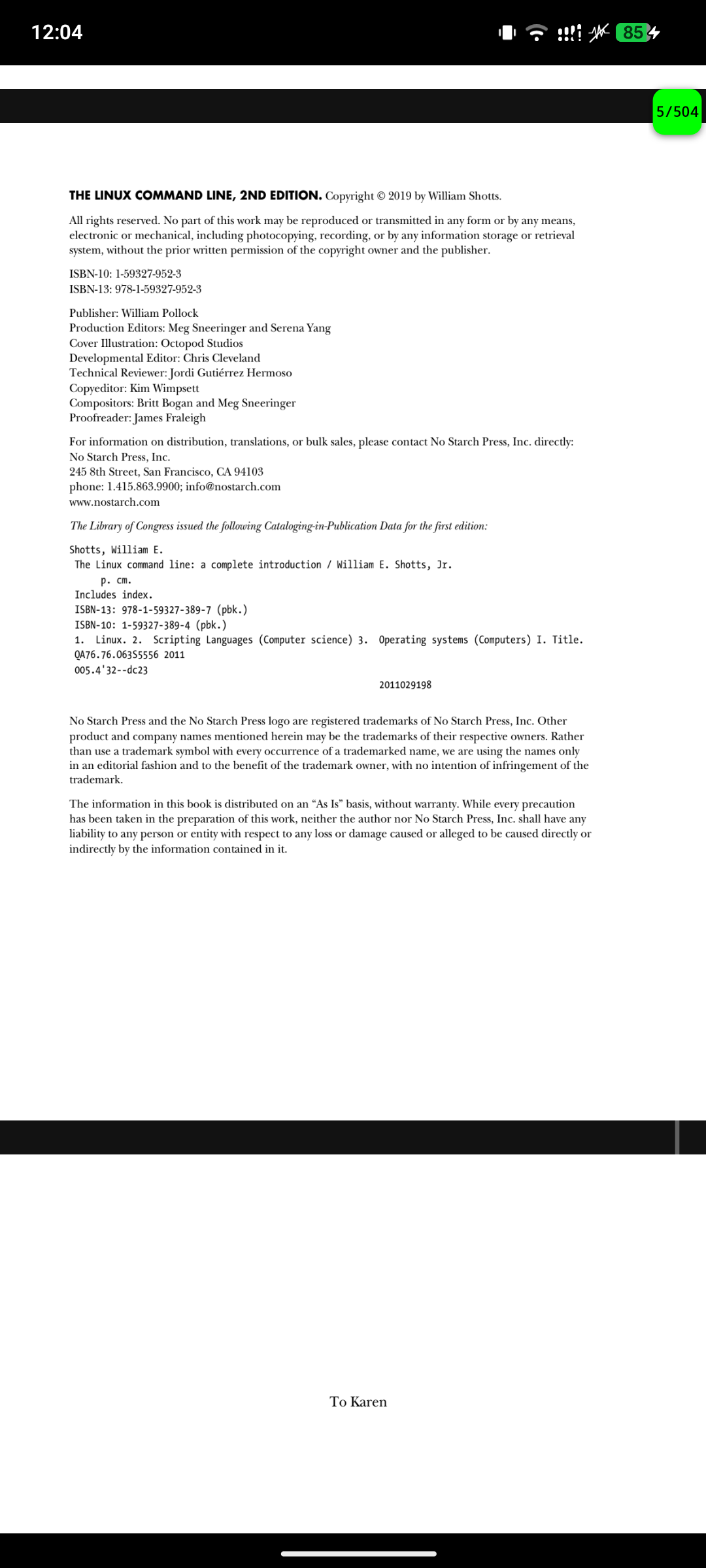
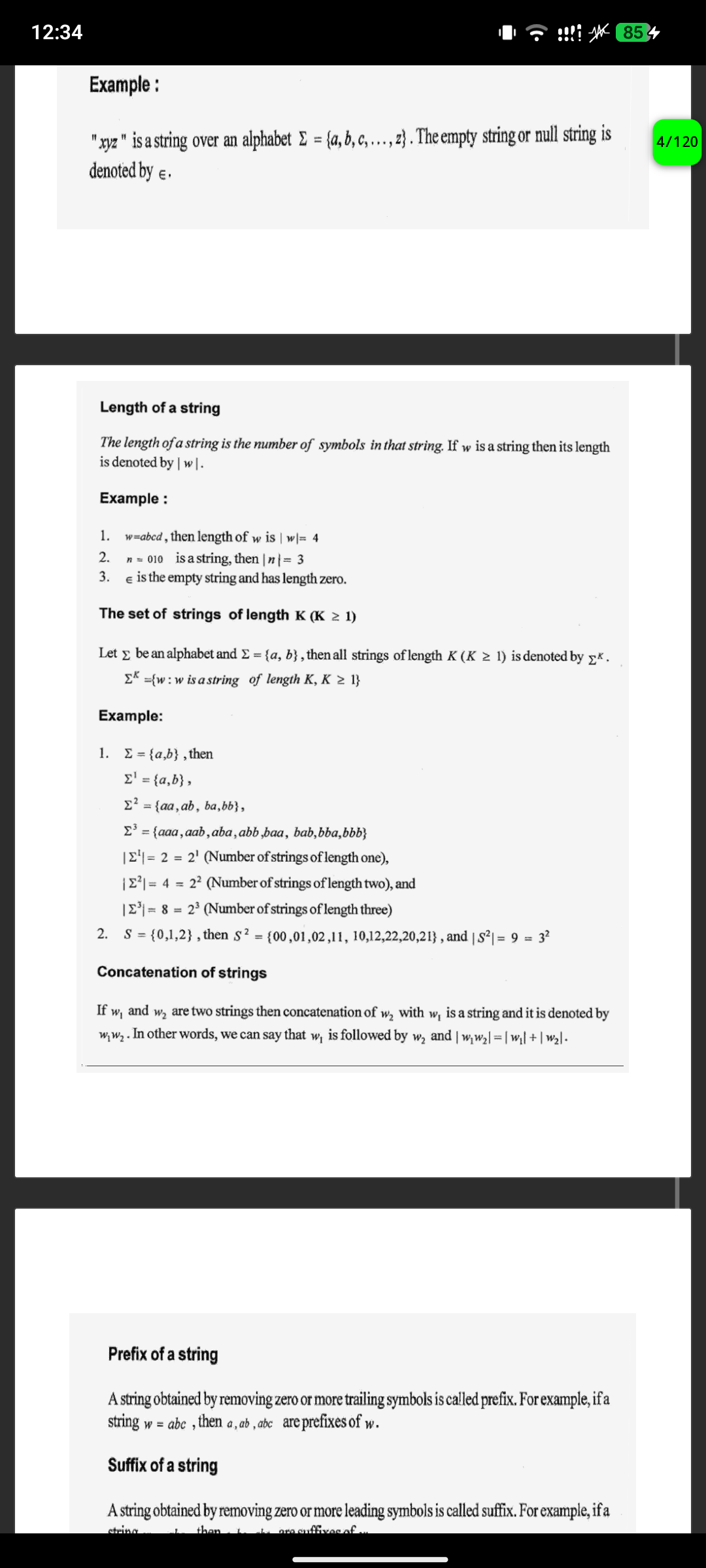
In-house renderer with LRU page cache, pinch zoom, and page slider. In-house Word renderer with image extraction and unified zoom engine.

Gallery & Video Player

Gallery Video Player
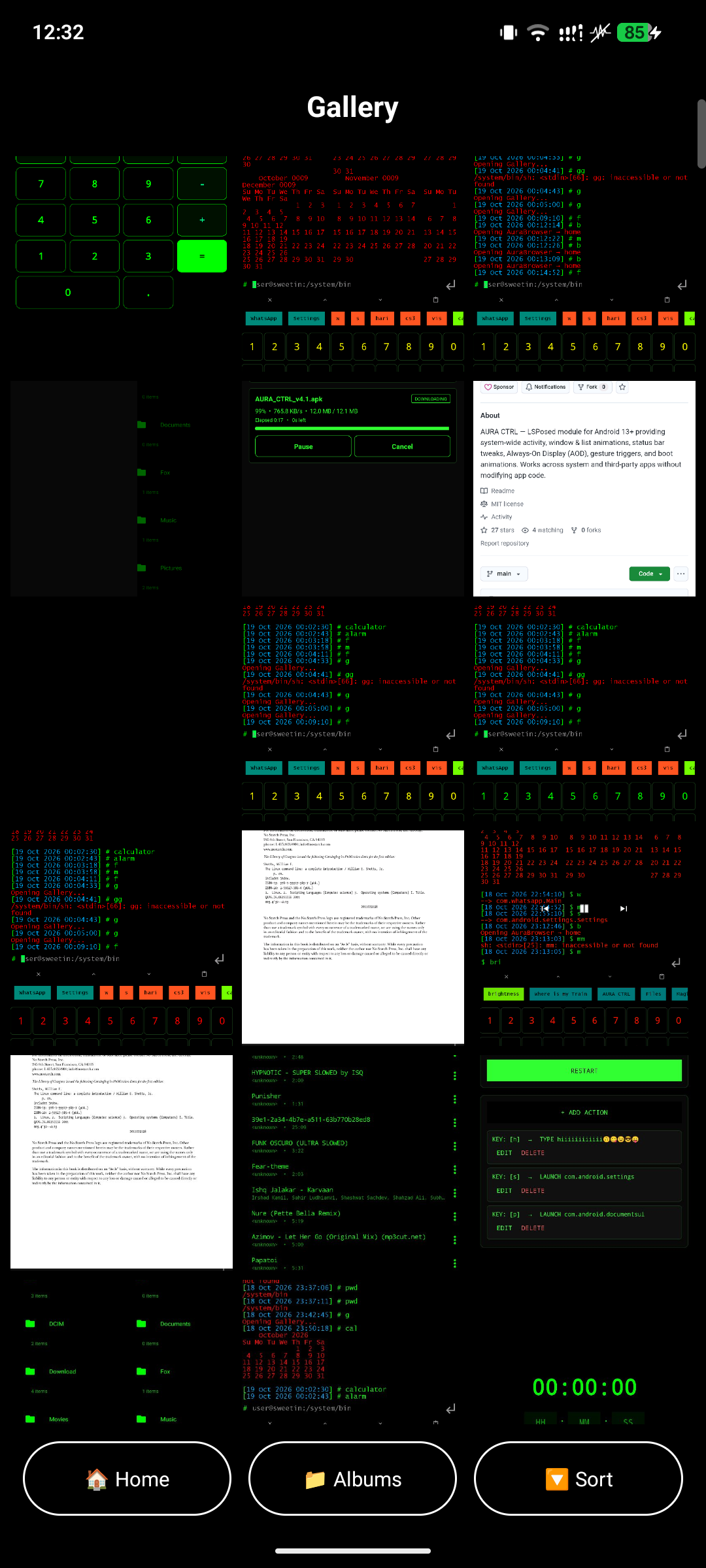
Grid view with albums, favorites, a Bin, and drag-to-select multi-item operations. Battery-friendly playback with double-tap seek and gesture volume/brightness.

Music Player

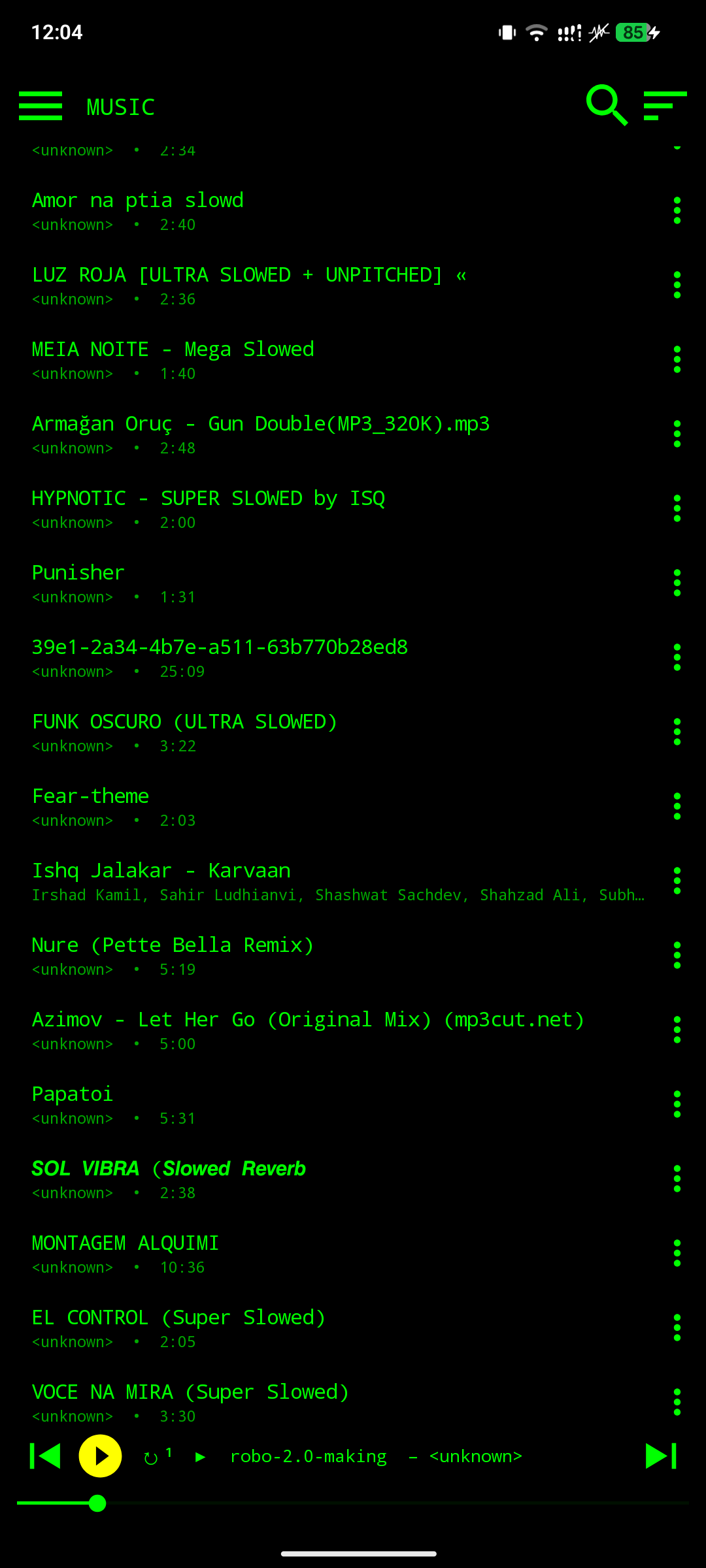
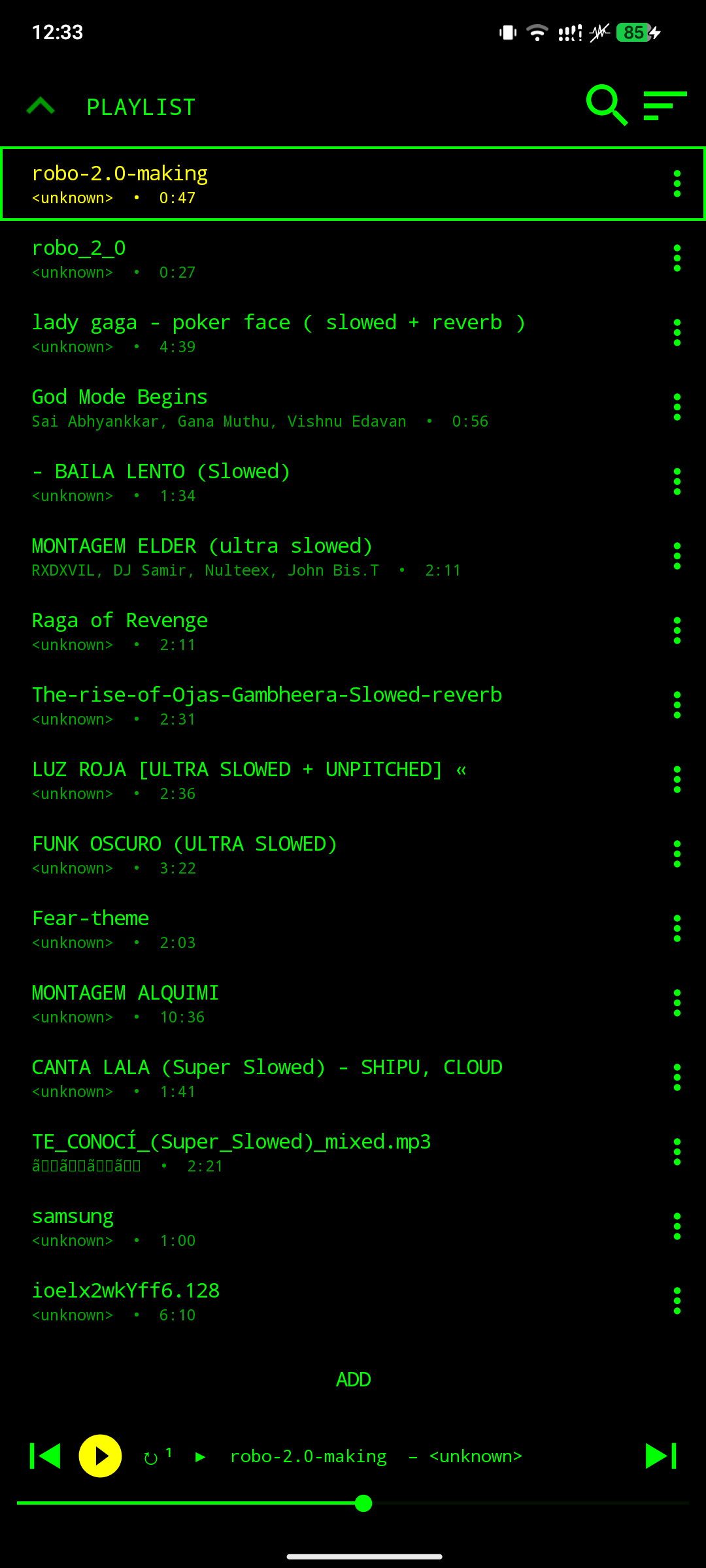
Music Player Music Player Controls
Music Library Playback Controls
Full library, playlists, loop modes, and a persistent playback service. Noise-aware pause, hardware key controls, and battery-optimized playback.

Keyboard / IME

Keyboard 1 Keyboard 2 Keyboard 3
Keyboard Customization Keyboard Layout Keyboard Controls
Full color customization with live preview. Standard QWERTY layout used by popular IMEs. Green-on-black terminal styling on every key.

Emoji Keyboard & Gesture Triggers

Emoji Keyboard Gesture Triggers
Full emoji picker integrated into the SyntaxCLI keyboard. Assign apps or actions to swipe patterns directly on the keyboard.

Calculator, Alarm & Stopwatch

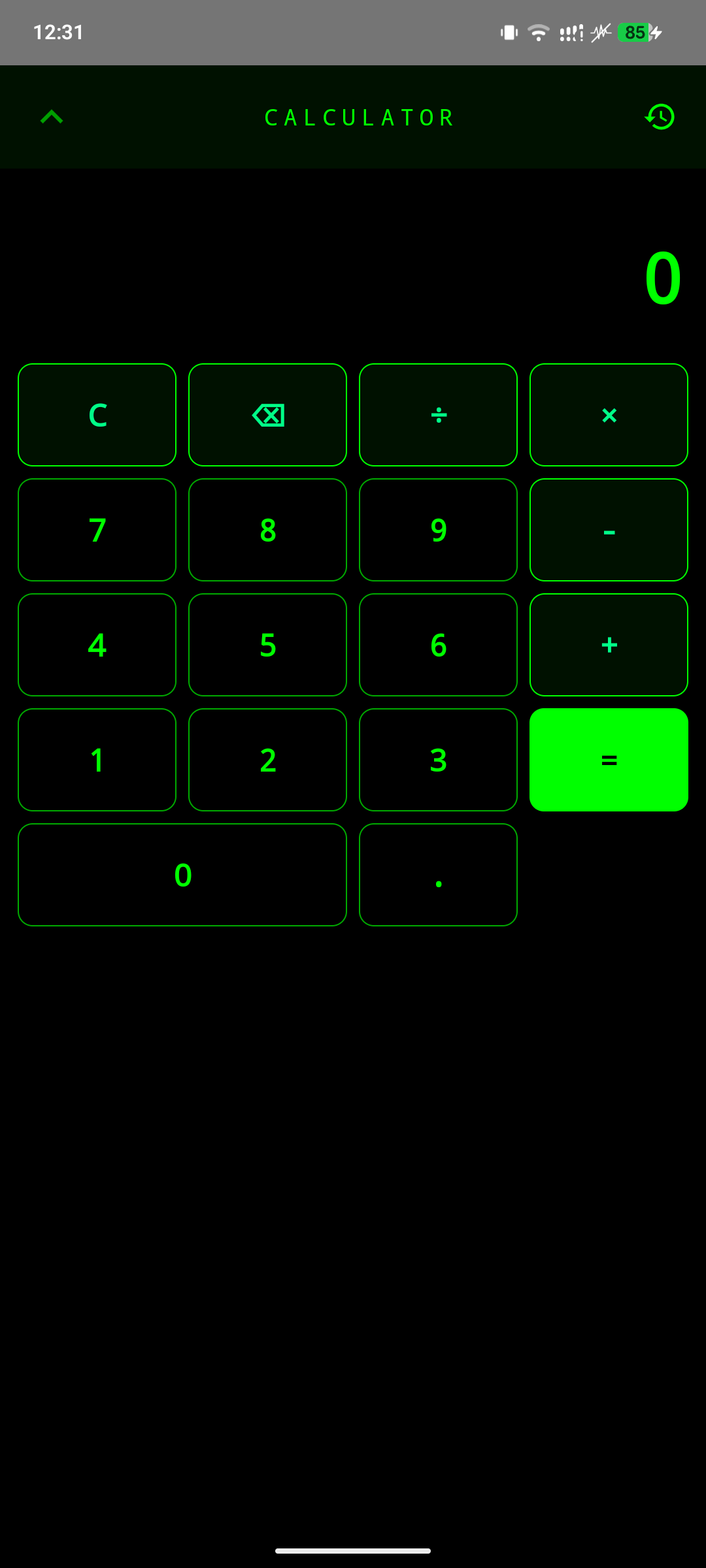
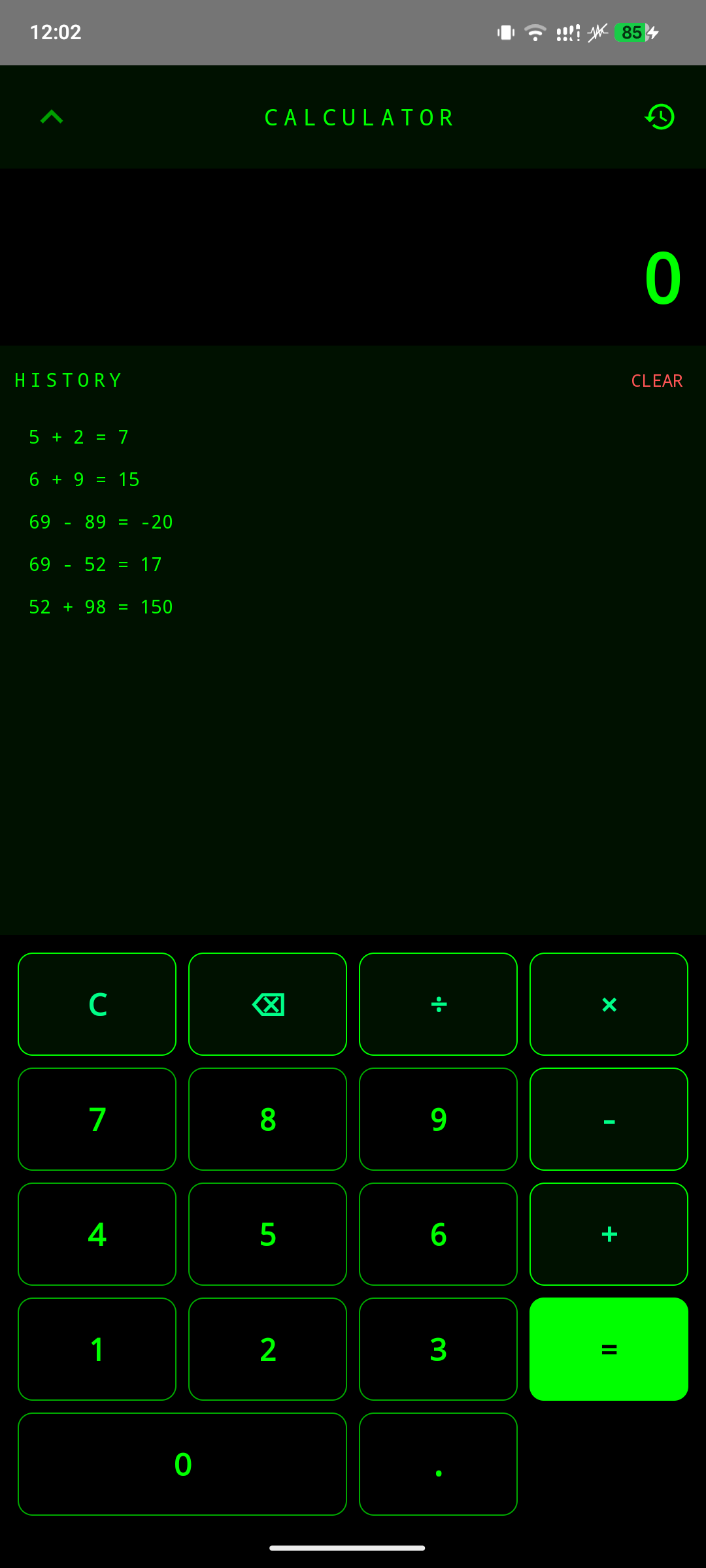
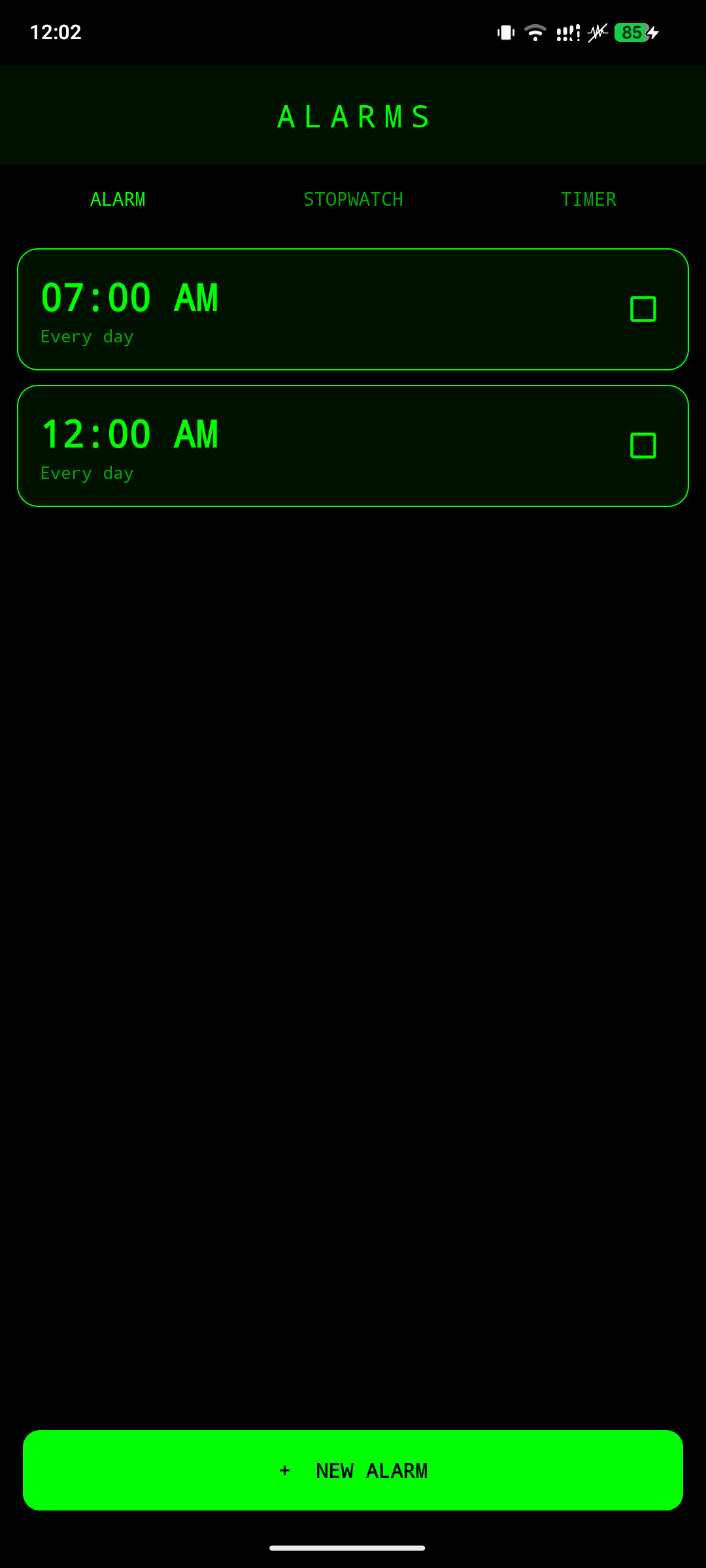
Calculator Calculator History Alarm
CLI-styled calculator with persistent scrollable history. Every past computation saved and scrollable across sessions. Scheduled alarms that re-arm after reboot.

Stopwatch & Timer

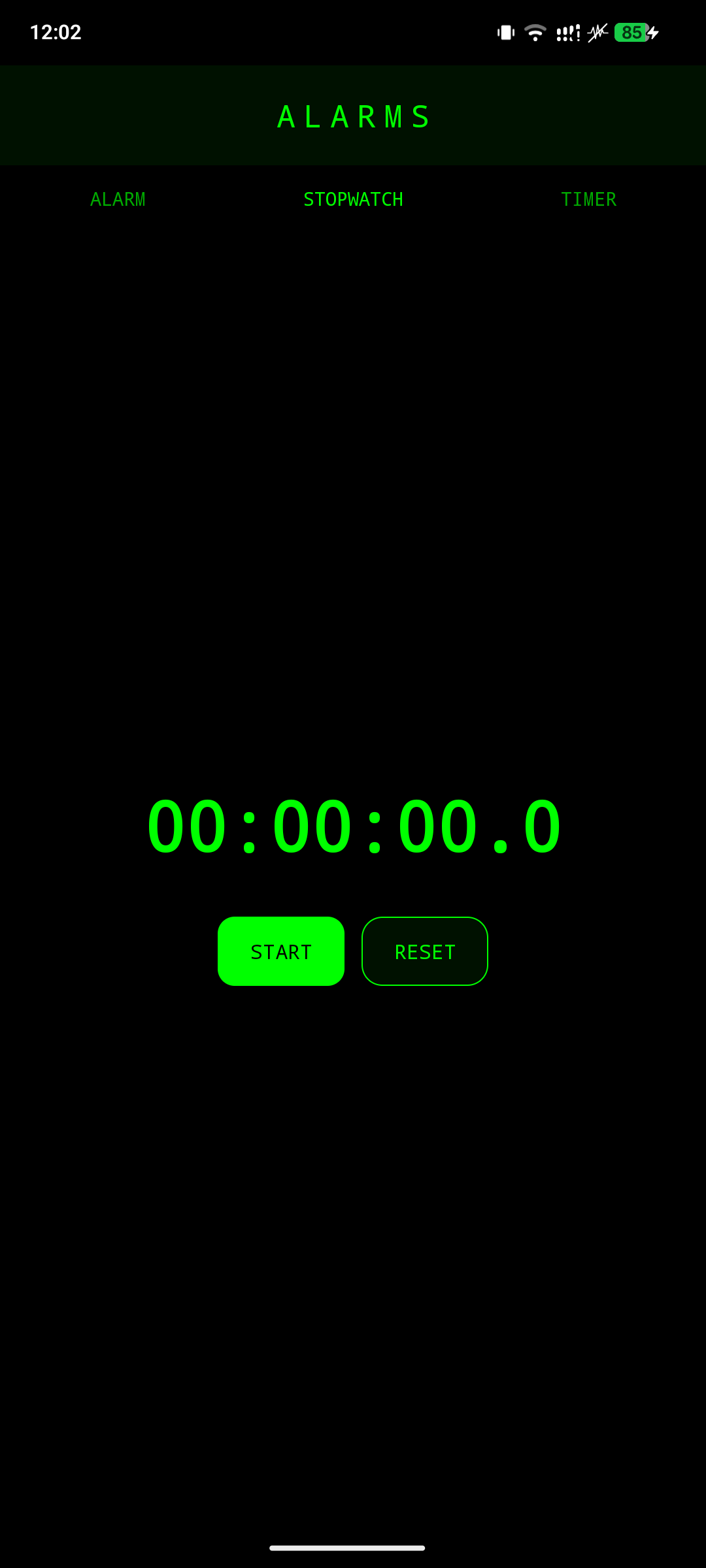
Stopwatch Timer
Stopwatch Timer
Precise stopwatch with lap tracking. Countdown timer with a full-screen ring activity that survives backgrounding.

Installation

Direct download

The easiest way to install is to grab the latest APK from the badge at the top of this page, or use the link below:

Download SyntaxCLI v2.0 APK

Build from source

  1. Clone the repository:

    git clone https://github.com/vaddempudignanesh/SyntaxCLI.git


Requirements

Android 8.0 (API 26) or higher

Storage permission for file browsing

Root access (optional) for /system access

Notification permission for media and alarm foreground services

Related Projects

AURA-CTRL-LSPosed — my previous Xposed module for Android customization  

Credits

SyntaxCLI builds on the excellent foundation laid by Francesco Andreuzzi (@fandreuz), who wrote the original launcher core.   
That core is used here under the MIT License and is preserved with his copyright notice.

All other components — the gallery, music player, browser, file manager, DOCX and PDF readers, keyboard and IME, gesture 
triggers, calculator, alarm, stopwatch, timer, calendar, and the intent router — were developed by Vaddempudi Gnanesh
(@vaddempudignanesh) as additions on top of that launcher core. 


Author

Vaddempudi Gnanesh

GitHub: @vaddempudignanesh

Project: SyntaxCLI

About

SyntaxCLI — Hacker-styled, Linux-flavored CLI launcher for Android. Terminal home screen, in-house PDF/DOCX readers, browser with 16 parallel downloads, gallery, music player, file manager, and a fully customizable keyboard/IME. Built with a green-on-black Cyberpunk aesthetic.

Topics

Resources

Stars

0 stars

Watchers

0 watching

Forks

Releases

Packages

Contributors

Languages