


Add this to your package's pubspec.yaml file:
dependencies:
  opacity_button:
    git:
      url: git://github.com/theiskaa/opacity_button.git
ref: mainYou can install packages from the command line:
$ flutter pub get
...Now in your Dart code, you can use:
import 'package:opacity_button/opacity_button.dart';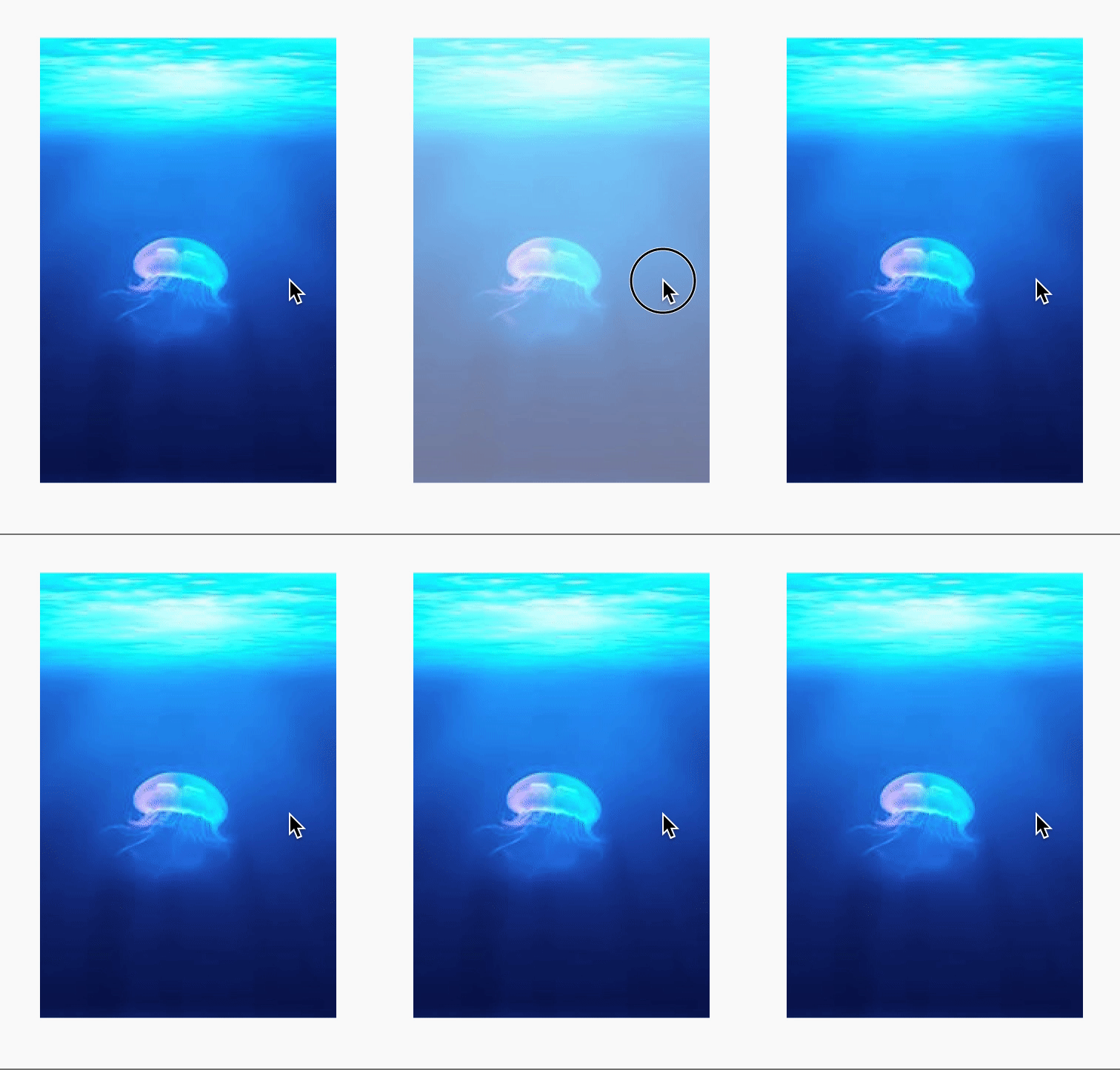
OpacityButton(
  // Required to take a widget.
  child: Image.network("https://picsum.photos/200/300"),

  onLongPress: () {
    // Do something...
  }

  // Customize the degree of opacity when the button is pressed.
  opacityValue: .3,

  // Always include semantics of opacity.
  alwaysIncludeSemantics: false,
),