




Small, localized, byte-for-byte reproducible sample office documents.
sampledoc writes a believable folder of documents - a quarterly report, a
budget, a contract, an invoice, a contact list - in 15 languages and 9 file
formats. It has no dependencies: every file is written by hand, a few kilobytes
each, with no images and no third-party material.
It was built to give app-store screenshots of OpenDocument Reader (Android and iOS) a document in the language of each store listing, and is just as useful as test fixtures for anything that opens office files.
 |
 |
 |
 |
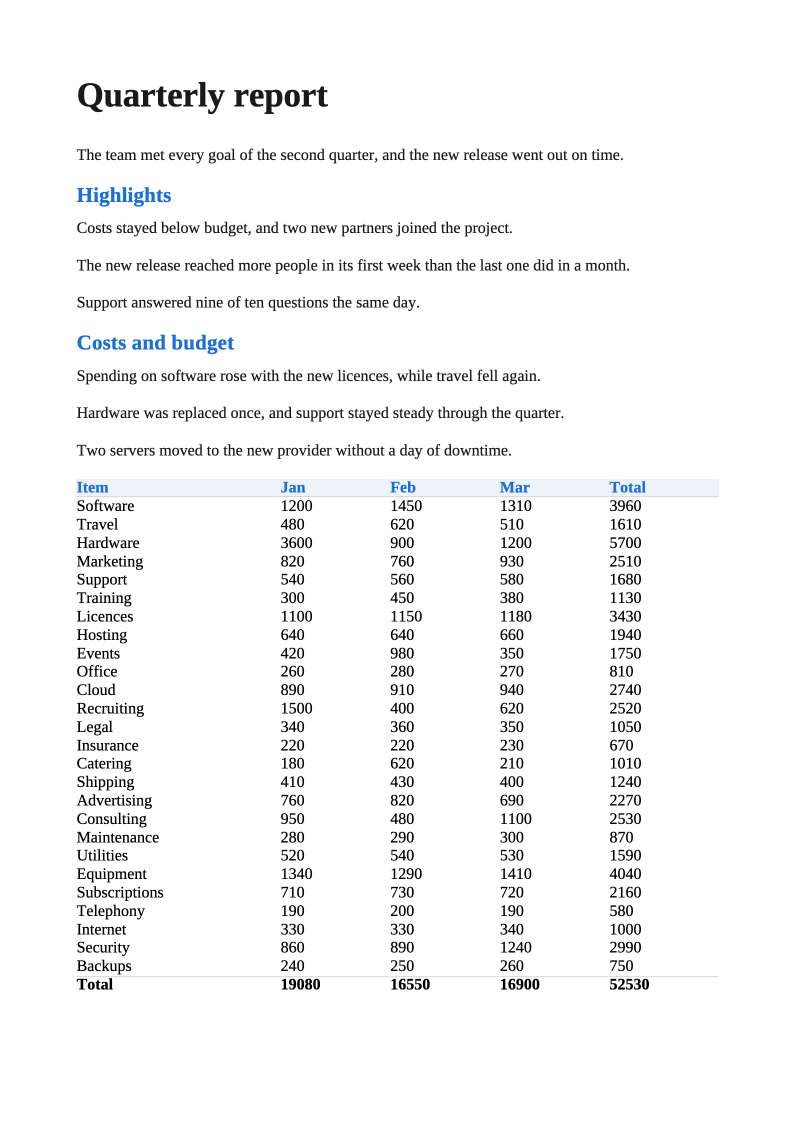
sample-text-en.odt |
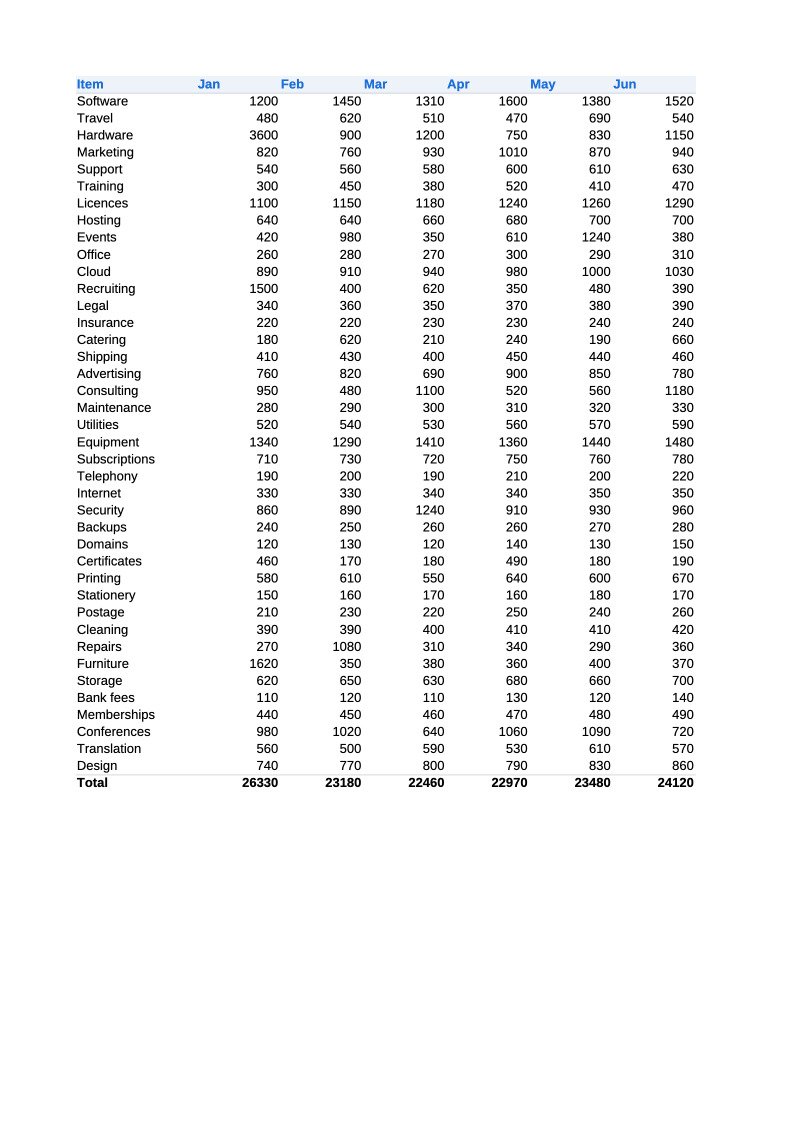
sample-sheet-en.ods |
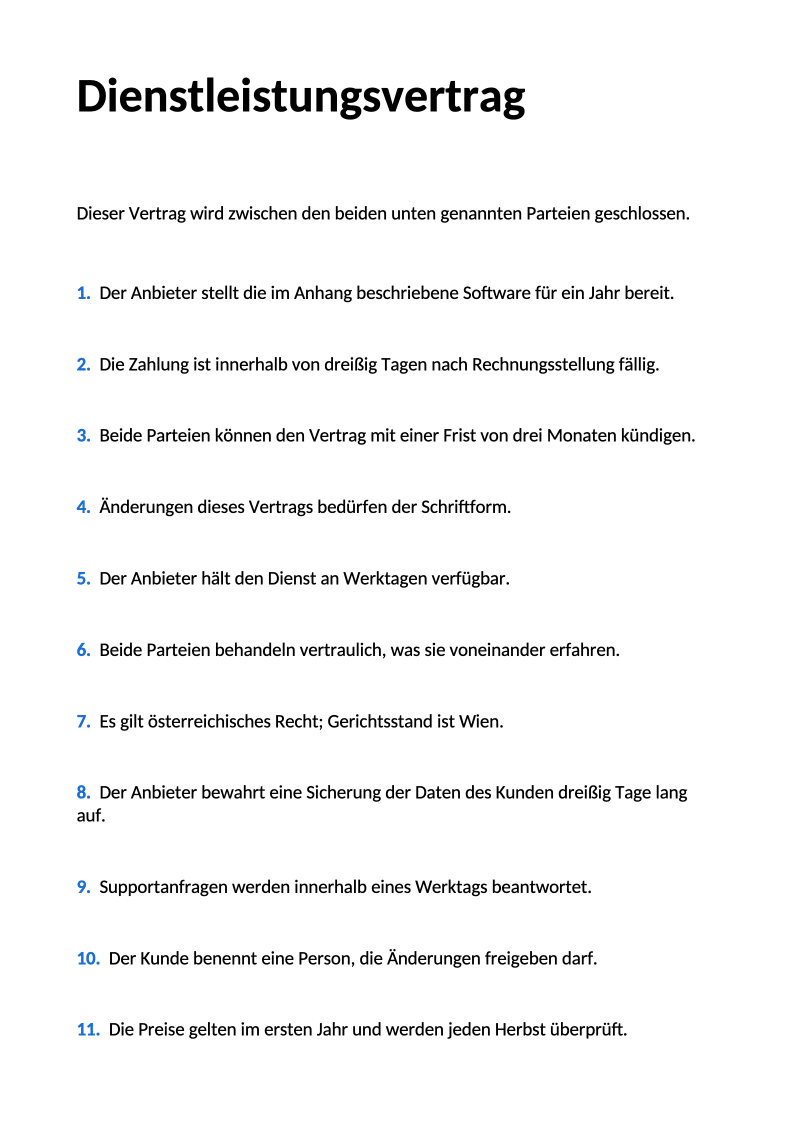
sample-word-de.docx |
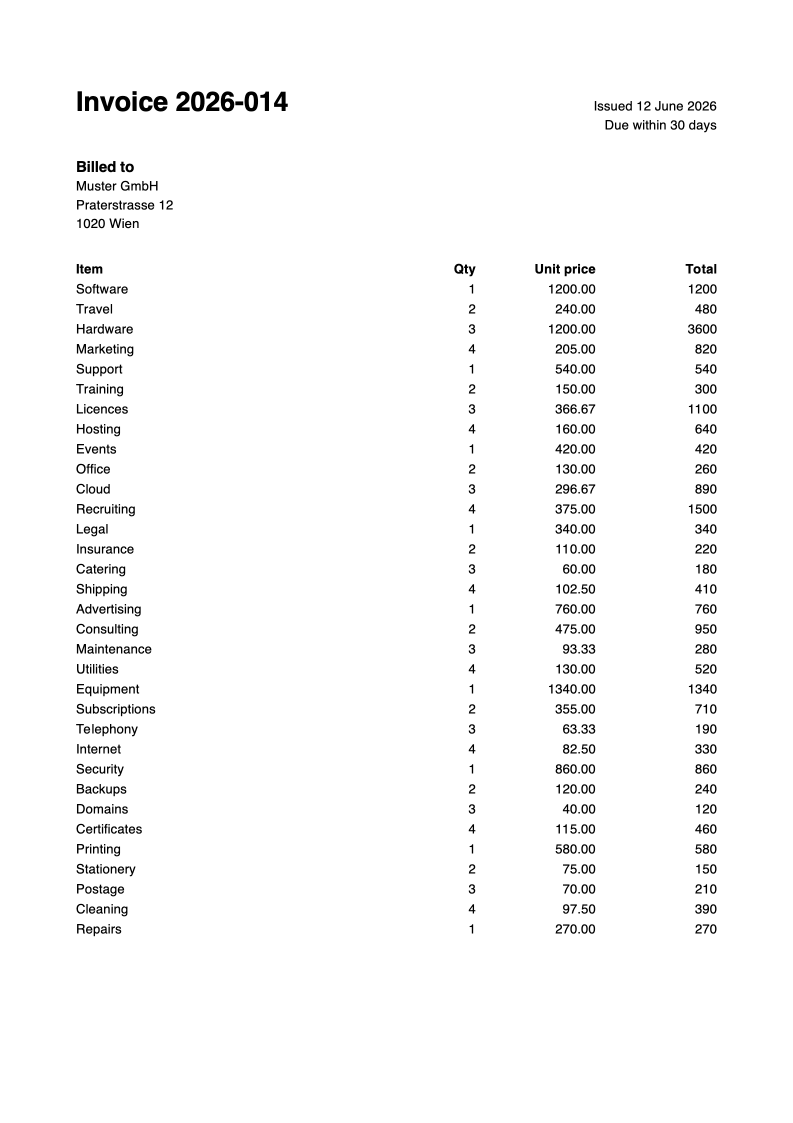
sample-paper-en.pdf |
First pages as rendered by LibreOffice. Regenerate with
scripts/render-readme-images.sh.
pip install sampledoc
# or run it without installing
uvx sampledoc --list
pipx run sampledoc --list
Requires Python 3.10 or newer.
sampledoc -o samples/                      # everything: 9 samples x 15 languages
sampledoc -o samples/ -l de -l fr          # only German and French
sampledoc -o samples/ -s text -s paper     # only the .odt report and the .pdf invoice
sampledoc -o samples/ --locales locales.json   # also map device locales to languages
sampledoc --list                           # what languages and samples there are
Files are named sample-<sample>-<language>.<ext>, e.g. sample-text-de.odt.
Next to them it writes screenshot-names.json, which holds, per language, a
realistic display name for every sample (plus a set of "filler" file names to
pad out a folder view) and a word to search the report for that is guaranteed
to appear in it several times:
{
 "languages": {
  "de": {
   "files": {"text": "Quartalsbericht", "sheet": "Budget", "paper": "Rechnung", "...": "..."},
   "search": "version"
  }
 },
 "locales": {"de-DE": "de"}
}
locales is only present when --locales FILE is given; the file is a JSON
object mapping device/store locales to sample languages. Pass --no-names to
skip the file.
| Sample | Format | What it is |
|---|---|---|
text |
.odt |
a quarterly report with headed sections and a table of costs, long enough to fill A4 |
sheet |
.ods |
a budget: 40 rows over six months, on two sheets |
slides |
.odp |
a three slide project plan, 16:9 |
word |
.docx |
a service agreement with numbered clauses and an appendix |
cells |
.xlsx |
a small table of sales figures |
deck |
.pptx |
a single titled, bulleted slide |
paper |
.pdf |
a two page invoice (Helvetica/WinAnsi - languages it cannot spell get the English invoice) |
rows |
.csv |
a contact list |
notes |
.txt |
the report and the slides as plain text |
Languages: en, cs, de, es, et, fr, hi, it, ja, pl, pt-BR,
ru, sv, tr, zh.
import sampledoc

sampledoc.languages()  # ('en', 'cs', 'de', ...)
sampledoc.SAMPLES  # {'text': Sample(extension='odt', ...), ...}

data = sampledoc.document("text", "de")  # bytes of sample-text-de.odt
sampledoc.generate("out/", languages=["en"], samples=["text", "paper"])  # -> [Path, ...]

sampledoc.file_names("de")  # {'text': 'Quartalsbericht', ...}
sampledoc.query("de")  # the word to search the report for
sampledoc.manifest({"de-DE": "de"}) # what goes into screenshot-names.jsonThe same version of sampledoc always writes the same documents: zip entries
carry a fixed 1980-01-01 timestamp, fixed permissions and a fixed creating
system, and nothing depends on the clock, the platform or the locale. The
compressed bytes inside .odt/.docx/... packages are byte-for-byte identical
as long as Python uses the same zlib; Python 3.14 on Windows (and some Linux
distributions) ship zlib-ng, which compresses the same contents differently.
The test suite pins a fingerprint of every file, so a change to the output is always a deliberate one - and is called out in the changelog, since it changes every screenshot taken of it.
If you need stable output across upgrades, pin the version.
Adding or fixing a language is a matter of editing one JSON file in
src/sampledoc/languages/. See
CONTRIBUTING.md.