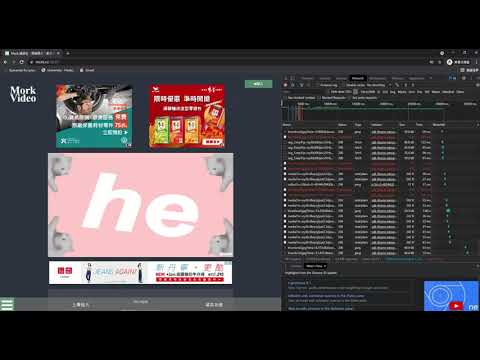
從由 mork.ro 儲存的HAR檔案中提取影片。
- Clone this repository and install all the requirements:
Open terminal and enter the followingsgit clone https://github.com/crazypatoto/MorkVideoExtractor cd MorkVideoExtractor pip install -r requirements.txt - Download ffmpeg here (for Windows user only).
- Extract the file you just downloaded and copy
ffmpeg.exeto the root directory of this repo. - Open terminal and run
or (It will automatically looks for
python MorkConverter.py saved.harmork.ro.harunder the same folder)python MorkConverter.py - It will output a mp4 video name
output.mp4if a video resource is found.
Make sure that you played the whole video before saving har file!