


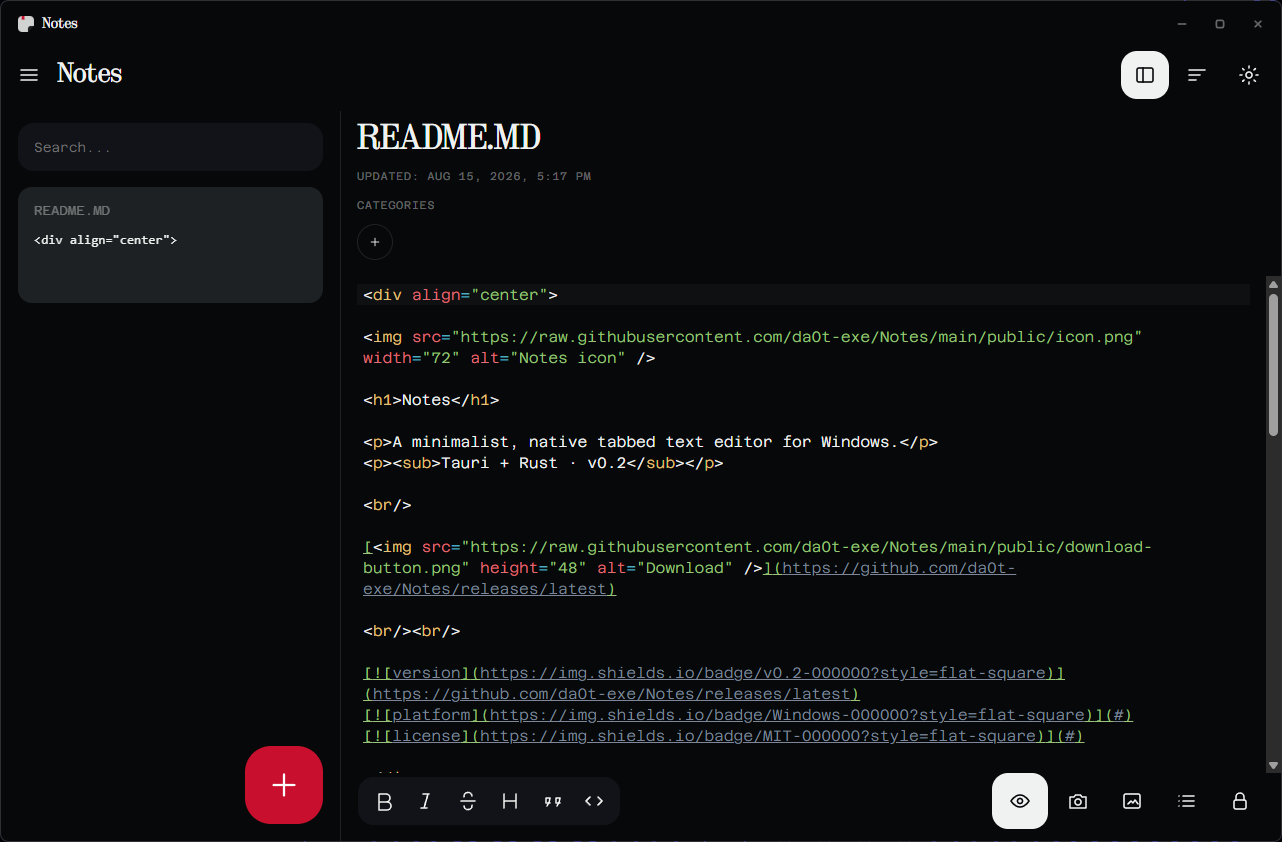
A single window that edits both kinds of text you actually keep: the notes that live in the app, and the files that live on your disk. It opens any text file — nothing is filtered by extension — and it stays out of the way while you write.
No Electron. No telemetry. No network access at all: the app ships a content security policy that permits none.
Editing
- Opens any text file, with encoding and line endings detected on the way in
- Syntax highlighting for 25 languages, dropped past 1.5 MB so large files stay fast
- Files over 2 MB stream in, so the window keeps painting while they load
- Find in file, wrap toggle, adjustable font size
Markdown
- Syntax appears only on what you are editing. Move the caret into
**bold**and the asterisks come back; move away and it renders. The rest of the line is untouched. - A split preview on
Alt+Pfor the full document, sanitised before rendering
Notes
- Checklists, bulleted and numbered lists, convertible to and from prose
- Swipe a row sideways to pin it or send it to the trash
- Trash keeps what you delete until you empty it
- Everything persists locally between sessions
Safety
- Prompts before closing a tab or quitting with unsaved edits
- Rendered Markdown is sanitised, so a hostile file cannot reach the app
- The backend only writes to files you opened or saved this session
Download Notes_x.y.z_x64-setup.exe from
Releases and run it. It
installs for the current user, so Windows never asks for admin rights, and it
adds a Start menu entry and an uninstaller like any other app.
The installer is not code-signed — a certificate costs more than this project does — so SmartScreen shows a warning the first time. Choose More info, then Run anyway. Everything after that is a normal install.
Ctrl+N |
New note | Ctrl+F |
Find in file |
Ctrl+Shift+N |
New checklist | Ctrl+B |
Toggle the notes panel |
Ctrl+O |
Open file | Alt+P |
Split Markdown preview |
Ctrl+S |
Save | Ctrl+± |
Font size |
Ctrl+Shift+S |
Save as | Ctrl+0 |
Reset font size |
Ctrl+W |
Close | Ctrl+D |
Move note to trash |
Needs Windows, Node.js 18+ and Rust.
npm install
npm run app
npm run app |
Run the desktop app |
npm run dev |
Browser-only dev server, no native shell |
npm run check |
Type check, lint and tests — the gate for every commit |
npm run dist |
Build the Windows installer |
src/lib/ holds the pure logic — encoding detection, list parsing, crypto,
Markdown preview — with no React and no DOM writes, and a test beside every
module. Everything else builds on top of it.
v0.4 is a rebuild. Working today: opening and editing any text file, saving, search, live Markdown, checklists, pinning, trash and persistence.
Not yet carried over from v0.3: per-note password locking.
Built with Cursor through v0.3, then rebuilt from scratch
for v0.4 with Claude Code. The earlier tree is
preserved on the cursor
branch, and its releases still work.
MIT — see LICENSE.