
Time is money, friend.
Small goblin conveniences for WoW Forever (interface 16001): set them once in one tabbed window and forget them.
| Tab | Switch | What it does | Starts |
|---|---|---|---|
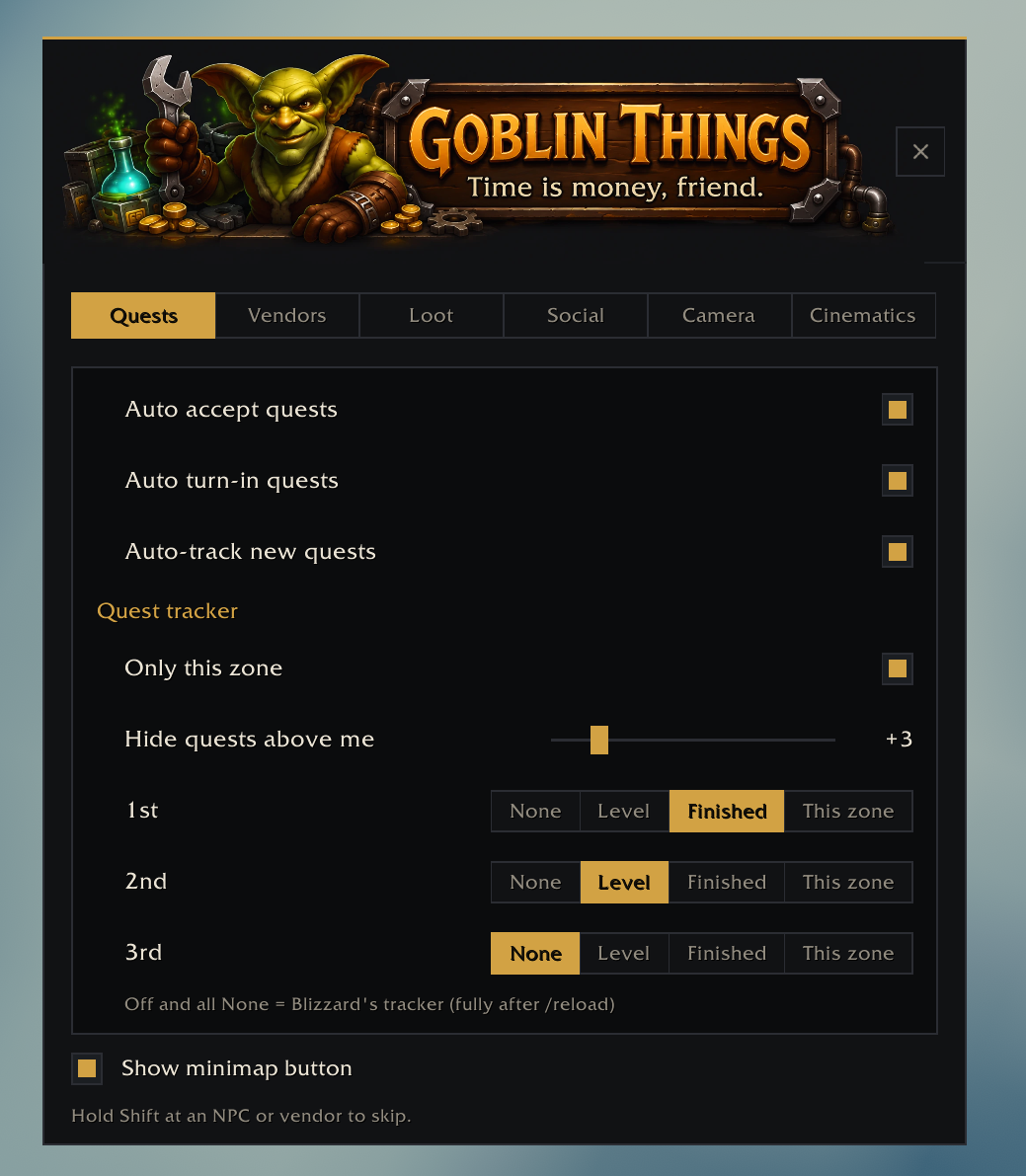
| Quests | Auto accept quests | Takes offered quests, except gray, repeatable, dungeon, raid, group and PvP quests | On |
| Auto turn-in quests | Hands in finished quests, except ones that cost gold or offer a reward choice | On | |
| Auto-track new quests | Keeps Blizzard's own auto-tracking on, even if another addon turns it off | Off | |
| Only this zone | The quest tracker shows only quests in the zone you're in | Off | |
| Hide quests above me | The quest tracker hides quests more than 1-20 levels (your pick) above you | Off | |
| Tracker sort | Orders the quest tracker by up to three tiers: Level (lowest first), Finished first, This zone first | Off | |
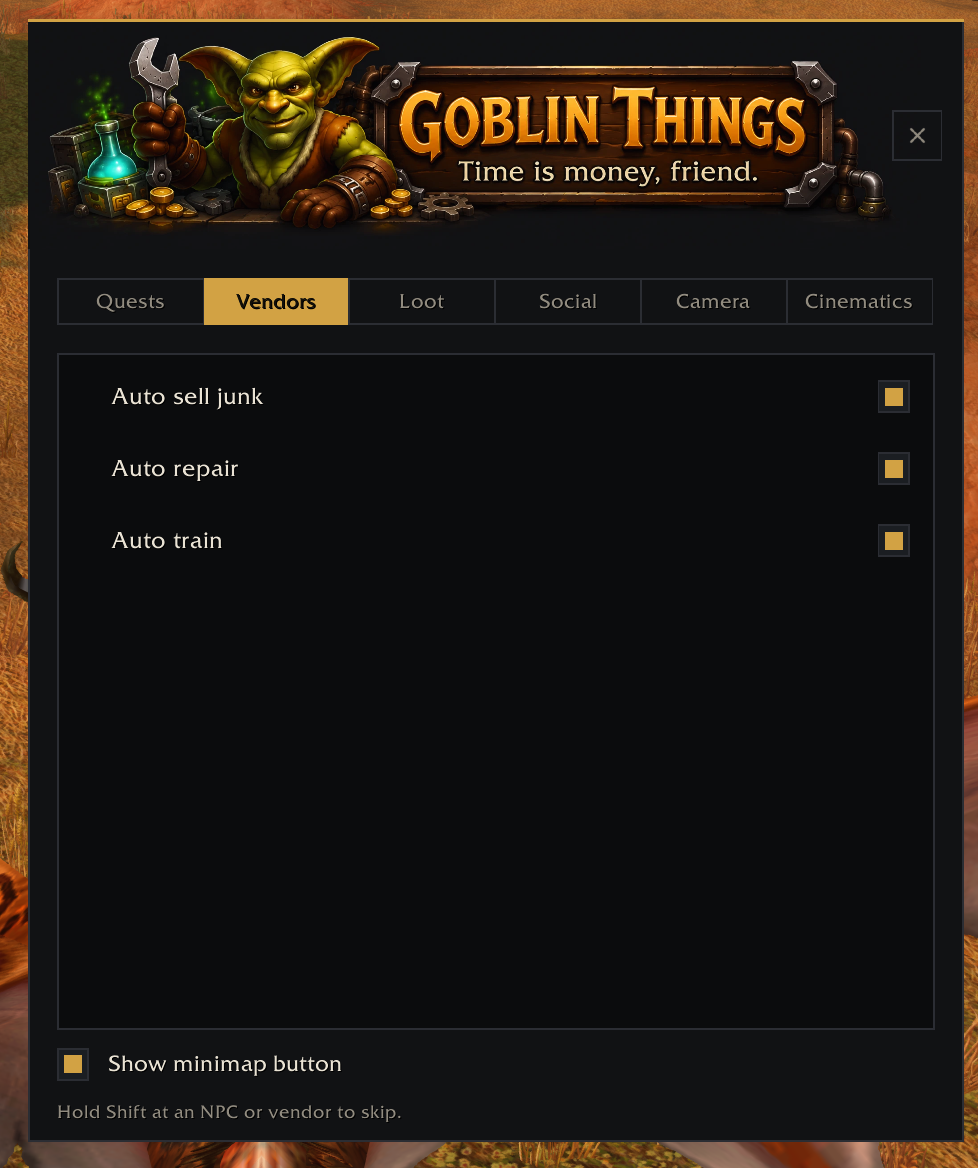
| Vendors | Auto sell junk | Sells gray items at any vendor, with one chat line | On |
| Auto repair | Repairs with your own gold at vendors who repair | On | |
| Auto train | Skips a trainer's lone "Train me" and trains everything you can afford at class and profession trainers; never takes up a new profession | Off | |
| Loot | Fast loot | When the game auto-loots, takes everything at once instead of at the loot window's pace | On |
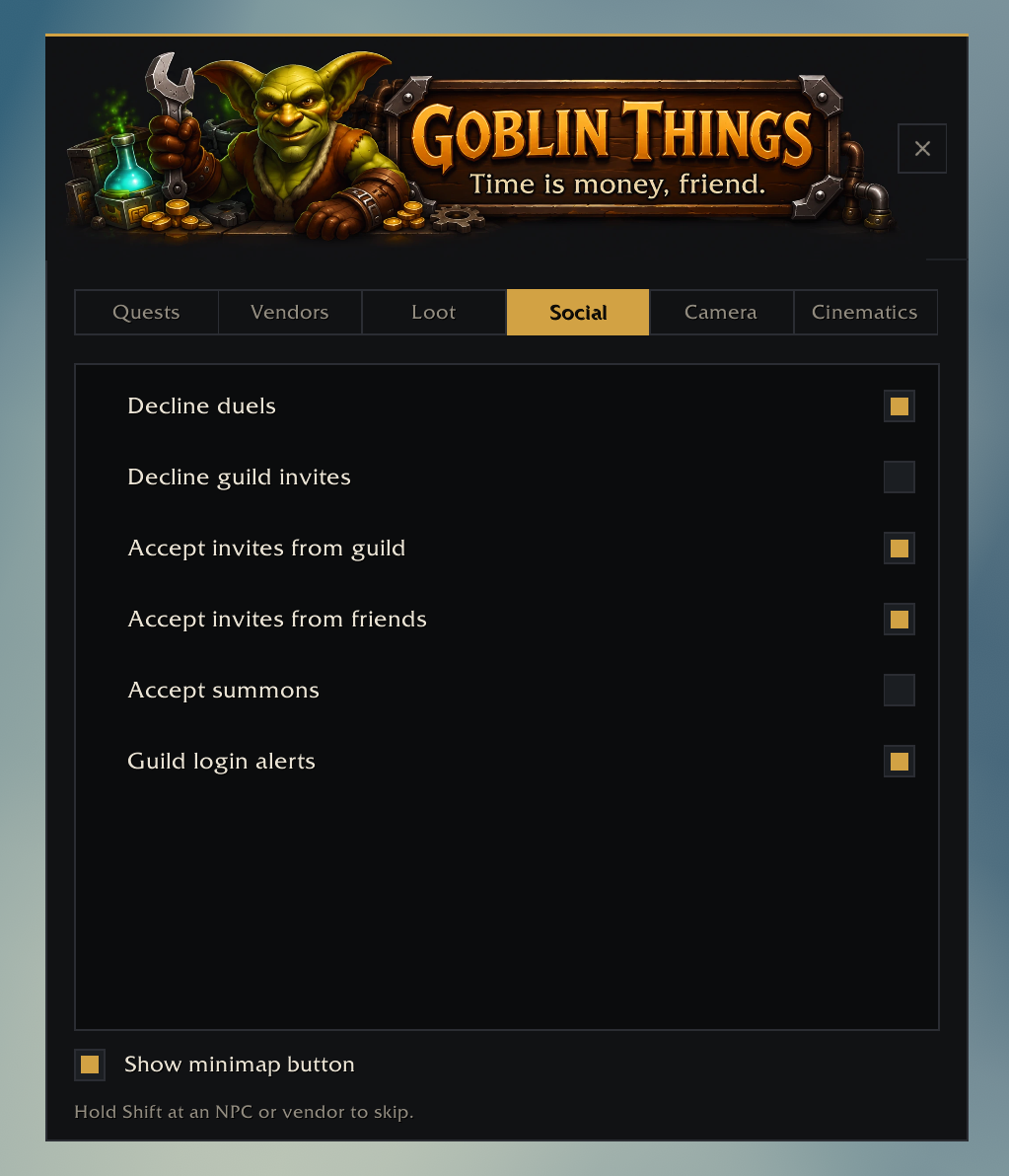
| Social | Decline duels | Refuses every duel request | Off |
| Decline guild invites | Refuses every guild invite | Off | |
| Accept invites from guild | Joins a party or raid when a guild member invites you | Off | |
| Accept invites from friends | The same for your friends list and Battle.net friends | Off | |
| Accept summons | Takes a summon at once, unless you're in combat | Off | |
| Guild login alerts | Blizzard's own Guild Member Alert (the ding when a guildie logs in), here for convenience | On | |
| Camera | Camera distance | Zooms the camera out to 4.0, past Blizzard's 2.0 | Untouched |
| Cinematics | Skip cinematics | Off, repeats only, or all | Repeats only |
Hold Shift while talking to an NPC, a vendor or a trainer to skip everything that visit. Hold it on a corpse to get the normal loot window. Everything else is one click in the window.
Click the goblin on the minimap, or type /gt. The window also opens from Esc > Options > AddOns >
Goblin Things.
| Command | Does |
|---|---|
/gt |
Opens the Goblin Things window |
/gt minimap |
Hides or shows the minimap button |
/gt probe |
Prints what the addon sees; include it in bug reports |
Install with the Wago app, or copy the GoblinThings
folder into World of Warcraft\_classic_beta_\Interface\AddOns\ and restart the game. Zips are on
the releases page.
- It never guesses. When the game will not answer a question (a quest's level, whether an inviter is a guildie), the addon leaves that thing alone and the normal window or popup appears.
- It says what it did in chat, once per thing: a sold stack, a repair, an accepted invite.
- An error in one feature is one chat line, once per session, and never a Lua error popup.
CLAUDE.md has the rules, the architecture, and the test and lint commands; docs/ has the design
specs, the in-game test checklist and the art spec. MIT licensed.