Open, render, edit, present and save PowerPoint files entirely in the browser (or Node.js). One TypeScript engine, five UI bindings, zero servers.





Live demo · Documentation · Quick start · Packages
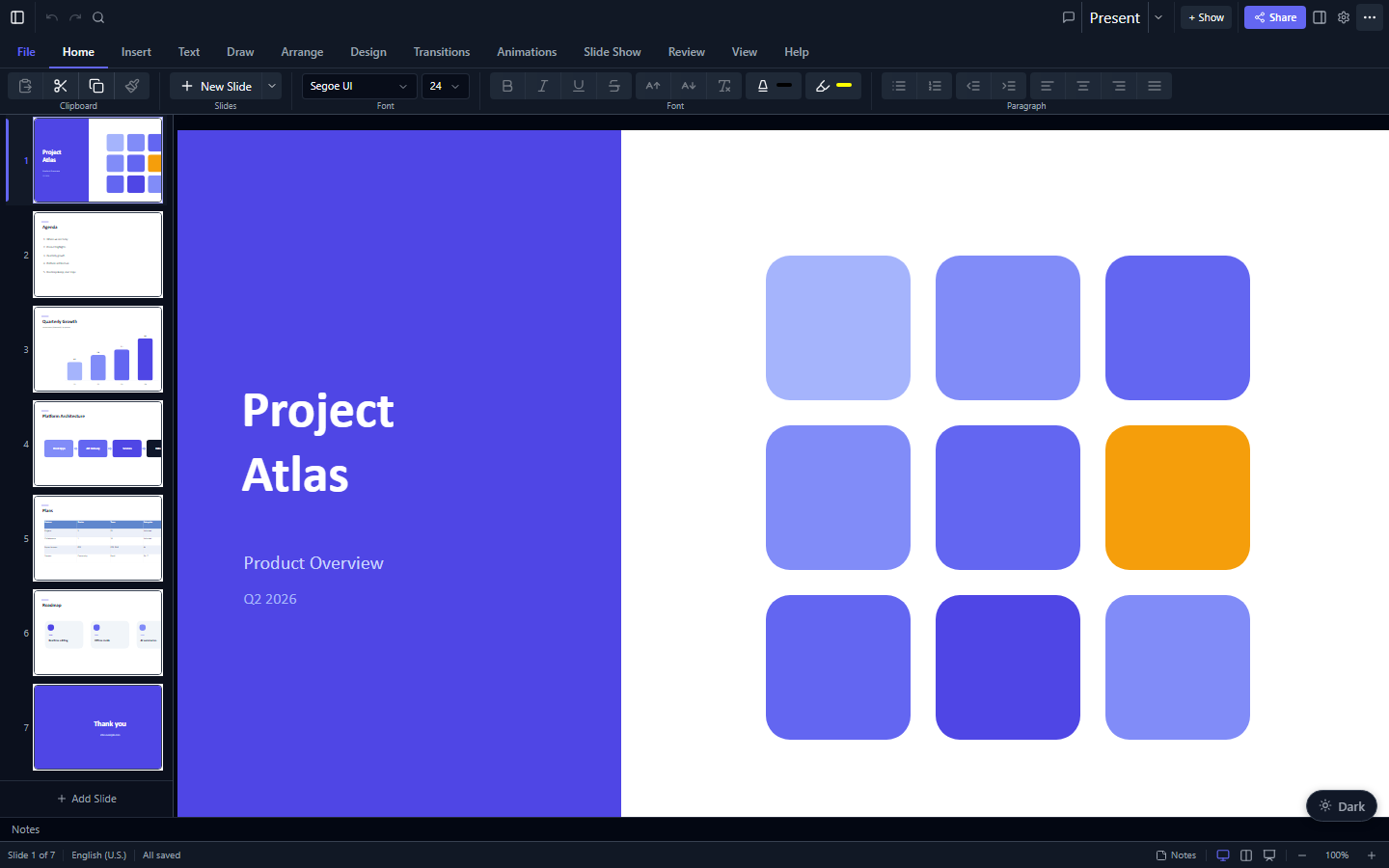
- Fully client-side. Files never leave the user's machine: no PowerPoint install, no conversion service, no native binaries.
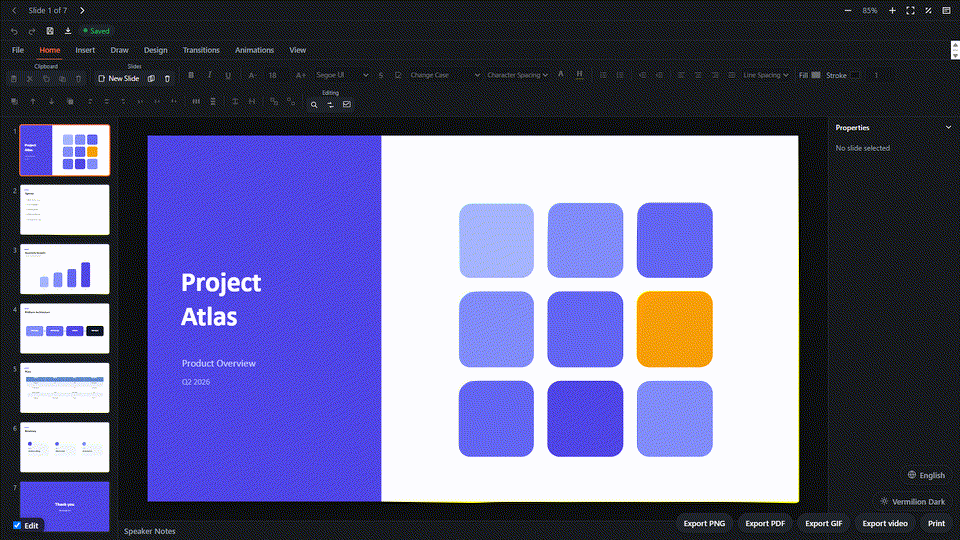
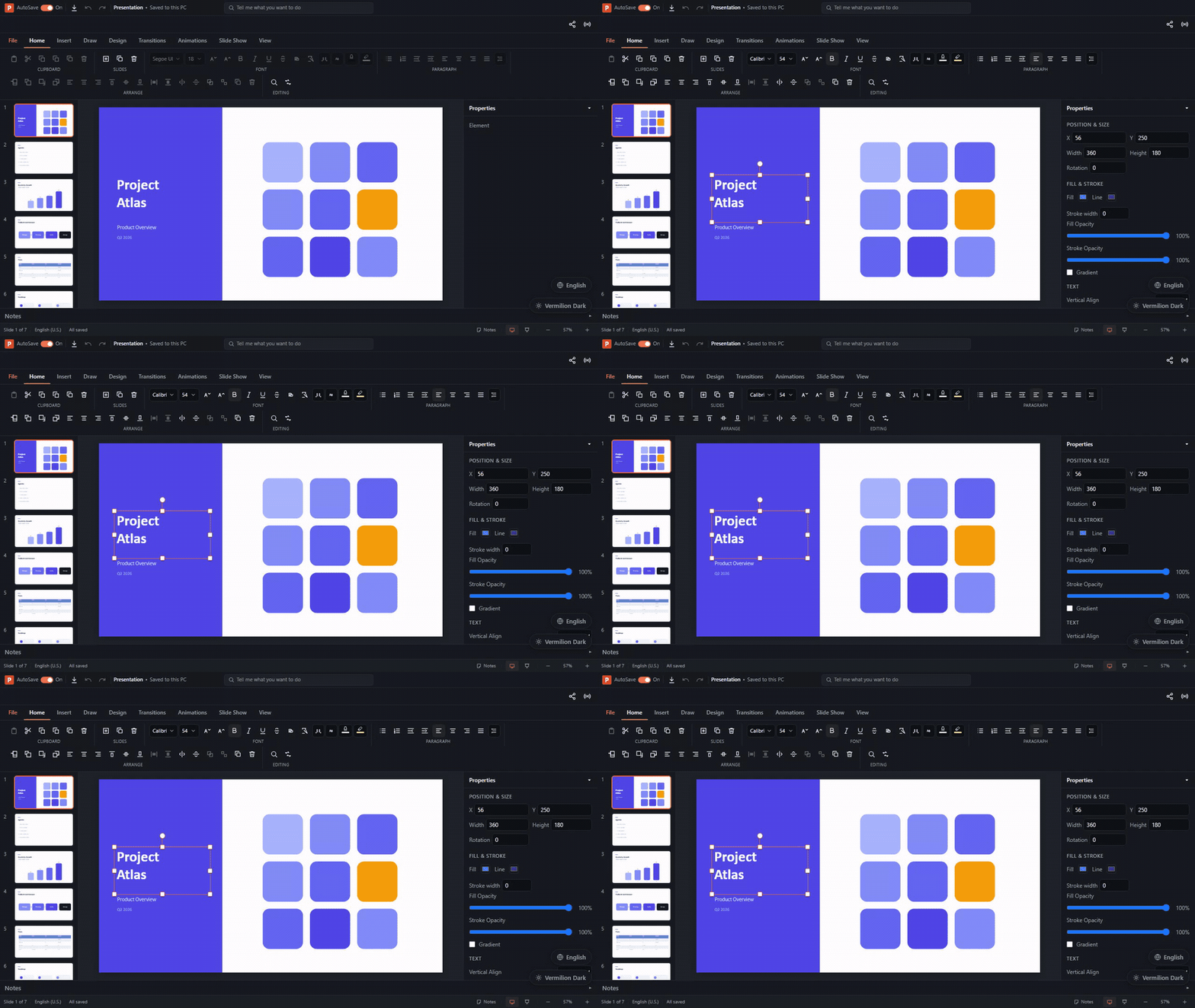
- A real editor, not just a viewer. Ribbon, inspector, undo/redo, on-canvas handles, slide sorter, speaker notes, comments, find and replace, and a presenter view.
- Round-trips to
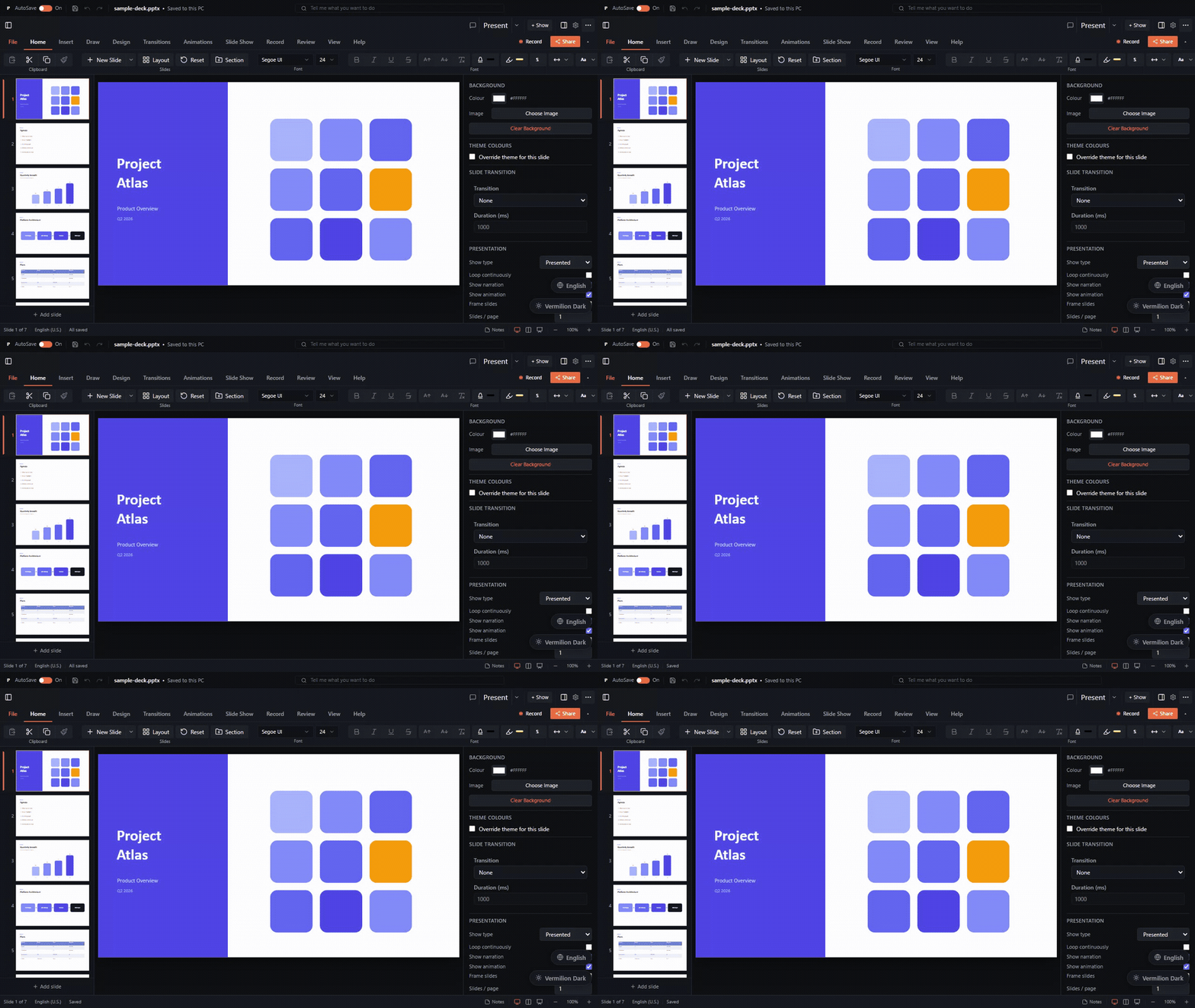
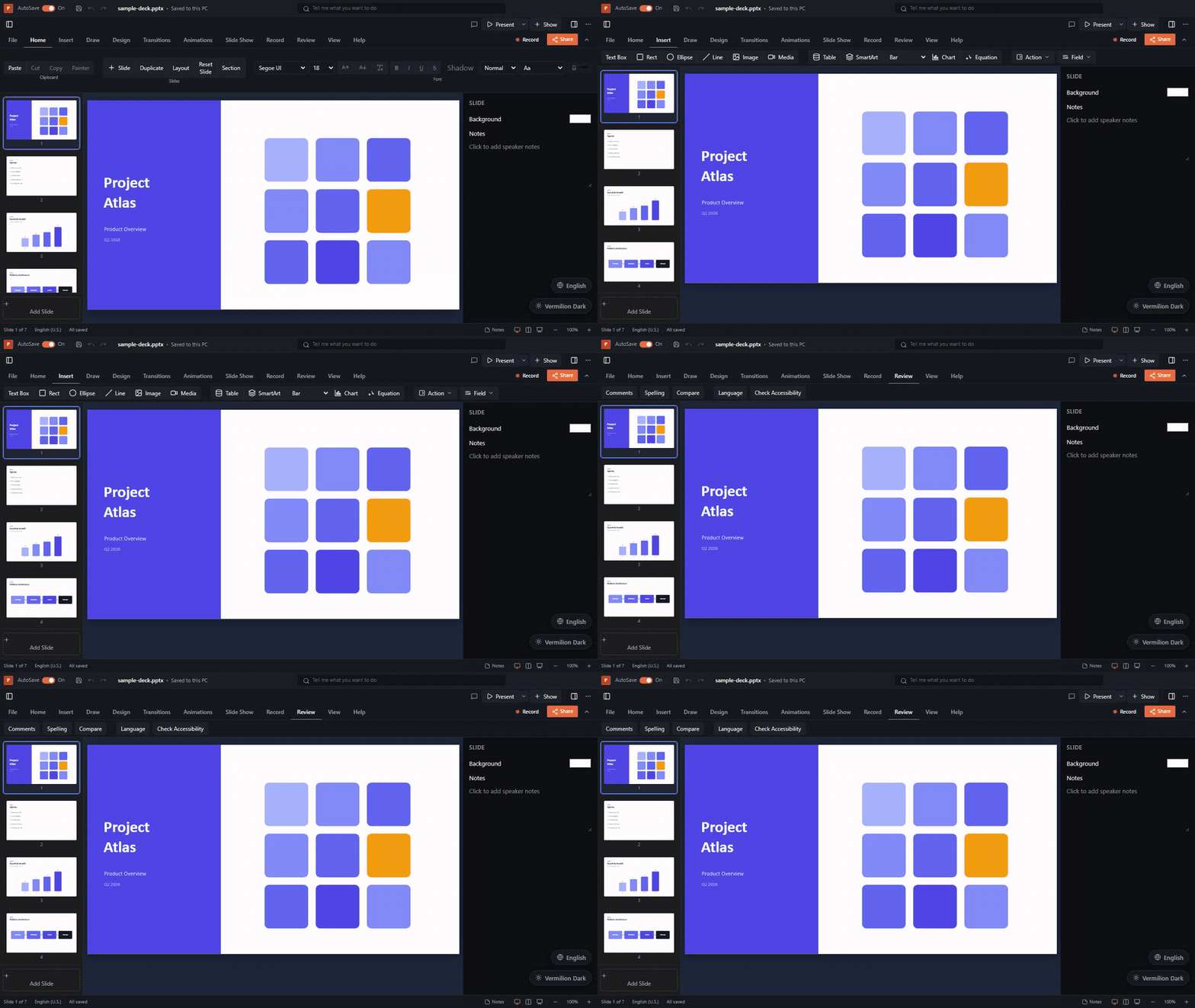
.pptx. Edit a deck and save a valid PowerPoint file. Unedited slides are written back untouched and unknown markup is preserved. - Your framework, same features. React 18/19, Vue 3, Angular 19-22, Svelte 5 and plain JavaScript all ship the same viewer from one shared rendering layer.
- Sharp, accessible rendering. Slides are HTML, CSS and SVG in the DOM, so text is selectable, searchable and screen-reader friendly, and stays crisp at any zoom.
- Headless when you need it. The core engine runs in Node.js, Bun, Deno, workers and serverless functions for generating, inspecting and converting decks.
- AI ready. An MCP server with 70+ tools lets agents such as Claude read and edit decks, and a Markdown converter turns slides into LLM-friendly text.
| Rendering | 187 preset shapes, custom geometry, gradients, pattern and picture fills, shadows, glow, reflections, soft edges, 3-D bevels and camera scenes, WordArt warps, tables with built-in styles, SVG charts, SmartArt, EMF/WMF metafiles, embedded fonts, digital ink, audio, video and GLB/GLTF 3-D models. |
| Editing | WYSIWYG text editing, rich formatting, style galleries, Edit Points, Merge Shapes, picture cropping, connectors that follow their shapes, chart data and formatting, SmartArt node editing and layouts, tables, master and layout editing, animation authoring, and full undo/redo. |
| Presenting | Fullscreen slideshow with transitions (including Morph), entrance, emphasis, exit and motion-path animations, triggers, presenter view with notes and timer, laser pointer and ink annotations. |
| Exporting | PNG, JPEG, SVG, PDF, animated GIF and video, plus Markdown conversion with media extraction. |
| Collaboration | Real-time co-editing over Yjs with presence and cursors, bring-your-own transport, and threaded comments. |
| File formats | .pptx, .pptm, .ppsx, .potx, OOXML Strict, and legacy binary .ppt (PowerPoint 97-2003) for both import and export. |
| Security | Open and save password-protected decks (AES-128/256), read and preserve digital signatures, and keep VBA macros intact. |
| Localization | English, German, Spanish, French and Simplified Chinese UI out of the box, with pluggable dictionaries. |
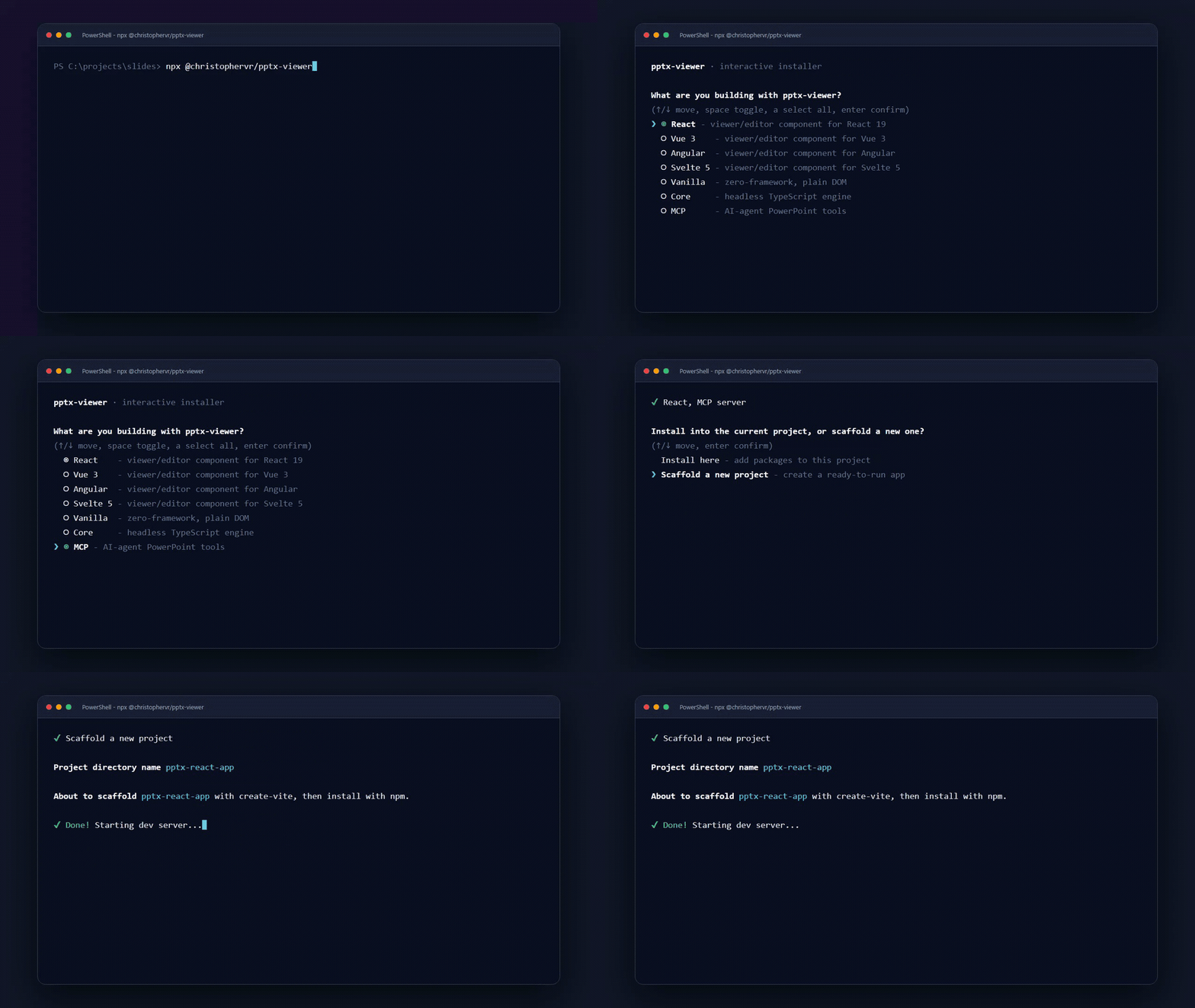
The fastest path is the interactive installer. It detects your framework and package manager, then installs the right package into your project or scaffolds a new starter app:
npx @christophervr/pptx-viewer@latestOr install one package by hand. Every UI package bundles the core engine, so one install is all you need.
| I'm building... | Install |
|---|---|
| A React app | npm i pptx-react-viewer |
| A Vue 3 app | npm i pptx-vue-viewer |
| An Angular app | npm i pptx-angular-viewer |
| A Svelte 5 app | npm i pptx-svelte-viewer |
| A page with no framework | npm i pptx-vanilla-viewer |
| Headless tooling (Node or web) | npm i pptx-viewer-core |
| An AI agent or CLI workflow | npm i pptx-viewer-mcp |
import { PowerPointViewer } from 'pptx-react-viewer';
import 'pptx-react-viewer/styles';

export function App({ content }: { content: ArrayBuffer }) {
	return (
		<PowerPointViewer
			content={content}
			canEdit
			onContentChange={(bytes) => saveToServer(bytes)} // the edited .pptx
		/>
	);
}
Vue 3
<script setup lang="ts">
import { ref } from 'vue';
import { PowerPointViewer } from 'pptx-vue-viewer';
import 'pptx-vue-viewer/styles';

const content = ref<ArrayBuffer | null>(null);
</script>

<template>
	<PowerPointViewer v-if="content" :content="content" can-edit />
</template>
Angular
import { Component, signal } from '@angular/core';
import { PowerPointViewerComponent } from 'pptx-angular-viewer';

@Component({
	selector: 'app-root',
	standalone: true,
	imports: [PowerPointViewerComponent],
	template: `<pptx-viewer [content]="content()" [canEdit]="true" />`,
})
export class AppComponent {
	readonly content = signal<ArrayBuffer | null>(null);
}
Add pptx-angular-viewer/styles to your global styles.
Svelte 5
<script lang="ts">
	import { PowerPointViewer } from 'pptx-svelte-viewer';

	let source: ArrayBuffer | undefined = $state();
</script>

{#if source}
	<PowerPointViewer {source} editable />
{/if}
Vanilla JavaScript
import { createPptxViewer } from 'pptx-vanilla-viewer';

const viewer = createPptxViewer(document.getElementById('host')!, {
	source: '/decks/quarterly.pptx', // URL, ArrayBuffer, Uint8Array, Blob or File
	editable: true,
});
For file loading, CSS setup and container sizing, follow the getting-started guide.
pptx-viewer-core is the same engine the viewers use, with no UI attached.
Build a deck from scratch
import { PptxHandler } from 'pptx-viewer-core';

const { handler, data, createSlide } = await PptxHandler.create({
	title: 'Quarterly Review',
	theme: {
		colors: { accent1: '4472C4' },
		fonts: { majorFont: 'Calibri Light', minorFont: 'Calibri' },
	},
});

data.slides.push(
	createSlide()
		.addText('Hello World', { x: 100, y: 100, width: 600, height: 80, fontSize: 36 })
		.addShape('rect', { x: 100, y: 250, width: 300, height: 200 })
		.build(),
);

const bytes = await handler.save(data.slides); // Uint8Array of a valid .pptx
Open, inspect and edit an existing deck
const handler = new PptxHandler();
const data = await handler.load(arrayBuffer);

for (const slide of data.slides) {
	for (const element of slide.elements) {
		if (element.type === 'text') console.log(element.text);
	}
}

const output = await handler.save(data.slides);
Convert to Markdown
import { PptxMarkdownConverter } from 'pptx-viewer-core';

const markdown = await new PptxMarkdownConverter('./output', {
	sourceName: 'deck.pptx',
	includeSpeakerNotes: true,
	semanticMode: true,
}).convert(data);
See the core guide for the data model, builders, encryption, and the converter options.
pptx-viewer-mcp exposes the engine as Model Context Protocol tools, so Claude, Cursor and other agents can read, edit and save presentations:
{
	"mcpServers": {
		"pptx": { "command": "npx", "args": ["pptx-viewer-mcp"] }
	}
}
Every tool is also a plain function you can call from your own pipeline:
import { replaceText } from 'pptx-viewer-mcp';

const { pptxData: updated } = replaceText(
	{ pptxData: data },
	{ query: 'Draft', replacement: 'Final' },
);
The viewers also include an optional built-in AI assistant panel that drives the same tools.
| React | Vue 3 | Angular |
|---|---|---|
 |
 |
 |
| Svelte 5 | Vanilla JS | Installer |
 |
 |
 |
| Package | What it is |
|---|---|
pptx-viewer-core |
Parse, create, edit, serialize and convert PowerPoint files. Framework-agnostic. |
pptx-react-viewer |
React viewer, editor and presenter. |
pptx-vue-viewer |
Vue 3 viewer, editor and presenter. |
pptx-angular-viewer |
Angular viewer, editor and presenter. |
pptx-svelte-viewer |
Svelte 5 viewer, editor and presenter. |
pptx-vanilla-viewer |
Zero-framework viewer, editor and presenter: one factory function, plain DOM. |
pptx-viewer-mcp |
MCP server, CLI and tool functions for AI agents. |
@christophervr/pptx-viewer |
Interactive npx installer and scaffolder. |
Internal, bundled into each binding and never installed directly: pptx-viewer-shared (framework-neutral viewer logic) and pptx-viewer-locales (translations).
pptx-react-viewer   ┐
pptx-vue-viewer     │
pptx-angular-viewer ├── pptx-viewer-shared ── pptx-viewer-core ──┬── emf-converter
pptx-svelte-viewer  │   (viewer logic)        (file format)      └── mtx-decompressor
pptx-vanilla-viewer ┘
- Core owns the file format: the load and save pipelines, a typed
PptxDatamodel (a discriminated union of 16 element types), theme inheritance (element, placeholder, layout, master, theme), the geometry engine, encryption and converters. - Shared holds everything a viewer needs that is not framework code: style and colour resolution, text layout, chart maths, connector routing, animation and Morph engines, export preparation.
- Bindings are thin view layers that map the shared descriptors onto JSX, SFC templates, Angular templates, Svelte runes or plain DOM. That is why all five render identically and ship the same features.
Read the architecture guide for the deep dive.
pptx-viewer tracks its PowerPoint fidelity openly. Rendering is checked against real PowerPoint output, the OpenXML conformance inventory grades every feature, and any construct that loads as an approximation is reported at runtime on data.warnings. The known gaps page lists what is still being worked on.
git clone https://github.com/ChristopherVR/pptx-viewer.git
cd pptx-viewer
bun install
bun run build      # core -> shared -> locales -> tools -> bindings -> cli -> demo
bun run test
bun run demo       # React demo on :4173 (also demo:vue, demo:angular, demo:svelte, demo:vanilla)
You will need Bun and Node.js 22+. Please read CONTRIBUTING.md before opening a PR: it explains the parity rule (a UI change lands in all five bindings), Conventional Commits (they drive each package's version), and how the demos resolve packages. This project follows a Code of Conduct; report vulnerabilities privately via SECURITY.md.
Developed with Claude Code.
Apache License 2.0: free to use, modify and distribute, including in commercial and closed-source products, with an explicit patent grant. When redistributing, keep the LICENSE and NOTICE files and note any files you changed. Some bundled components carry their own licenses (for example, mtx-decompressor is MPL-2.0); see the NOTICE files. A link back to this repository is always appreciated.