| id | agents.docs.install.vscode-codex | |||||
|---|---|---|---|---|---|---|
| title | Install WebDev Agent Kit for VS Code Codex | |||||
| doc_type | user-guide | |||||
| layer | docs | |||||
| status | active | |||||
| publishable | true | |||||
| local_only | false | |||||
| tags |
|
|||||
| parent |
|
|||||
| related |
|
|||||
| depends_on |
Before extracting, complete the first-run checks. For an existing installation, use upgrade and rollback to preserve local state.
-
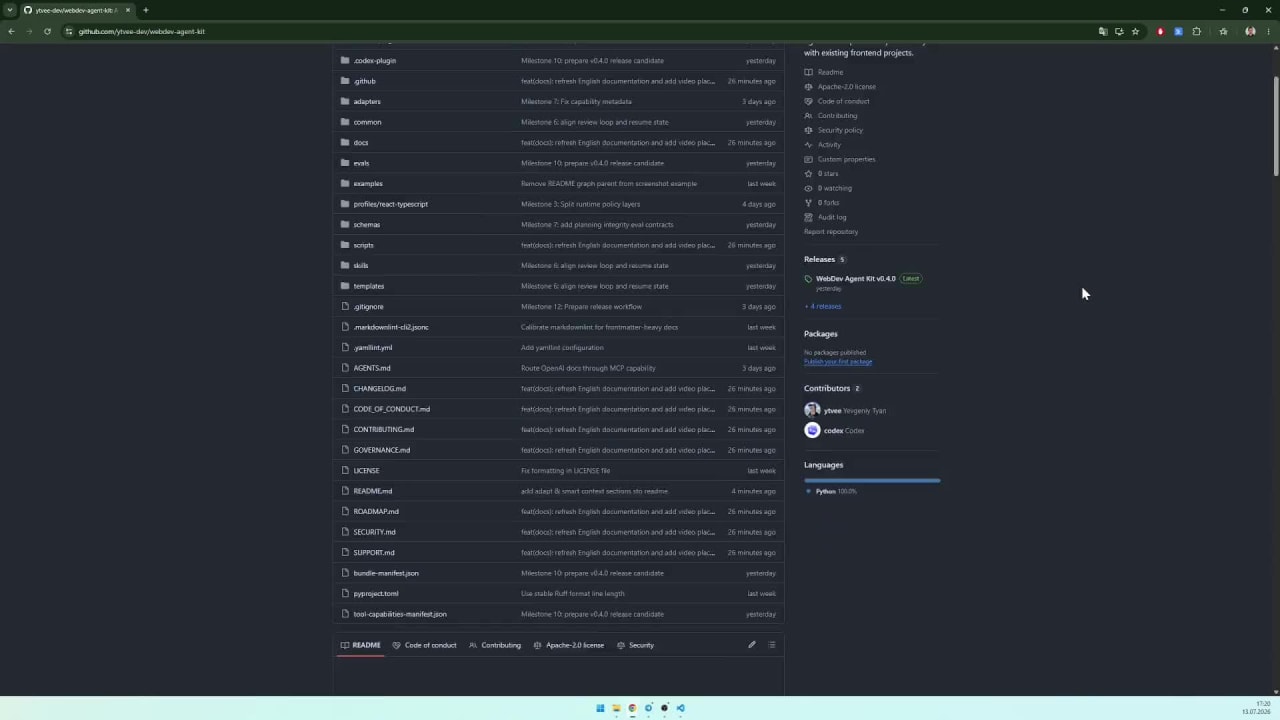
Download the latest VS Code Codex package.
-
Extract the archive into the project root. After extraction, the
.agents/directory must be located directly in the root next to the project files. -
Add the following root-anchored entries to the project's
.gitignoreso the local agent kit, Codex configuration, generated project context, and root instruction pointer are not committed to the remote repository:/.agents/ /.codex/ /AGENTS.md
-
Open the Codex extension in VS Code and send this prompt:
Adapt this .agents bundle to my project and create AGENTS.md in the root -
Select the frontend role or designer role for this conversation as described in role selection. Preserve your existing personality and global instructions.
-
After adaptation, Codex creates
.agents/project/with local project profiles, capability information, and path indexes. During subsequent work, it updates the affected context when project facts change substantially, for example after a major refactor or feature addition. This happens as part of tasks, not through background file monitoring. To refresh cached context manually, send:Update the project context after these changes.
← All installation guides · MCP setup · All documentation
For a compatible installed Codex surface, follow GPT model routing. Client capability and model availability must be confirmed; the VS Code target alias alone is not proof. Full onboarding includes missing local setup and read-only checks without a second confirmation; facts-only and Plan Mode requests exclude this phase.